
How Filters Work
Understanding how FilterIQ generates and displays product filters.
How Filters Work
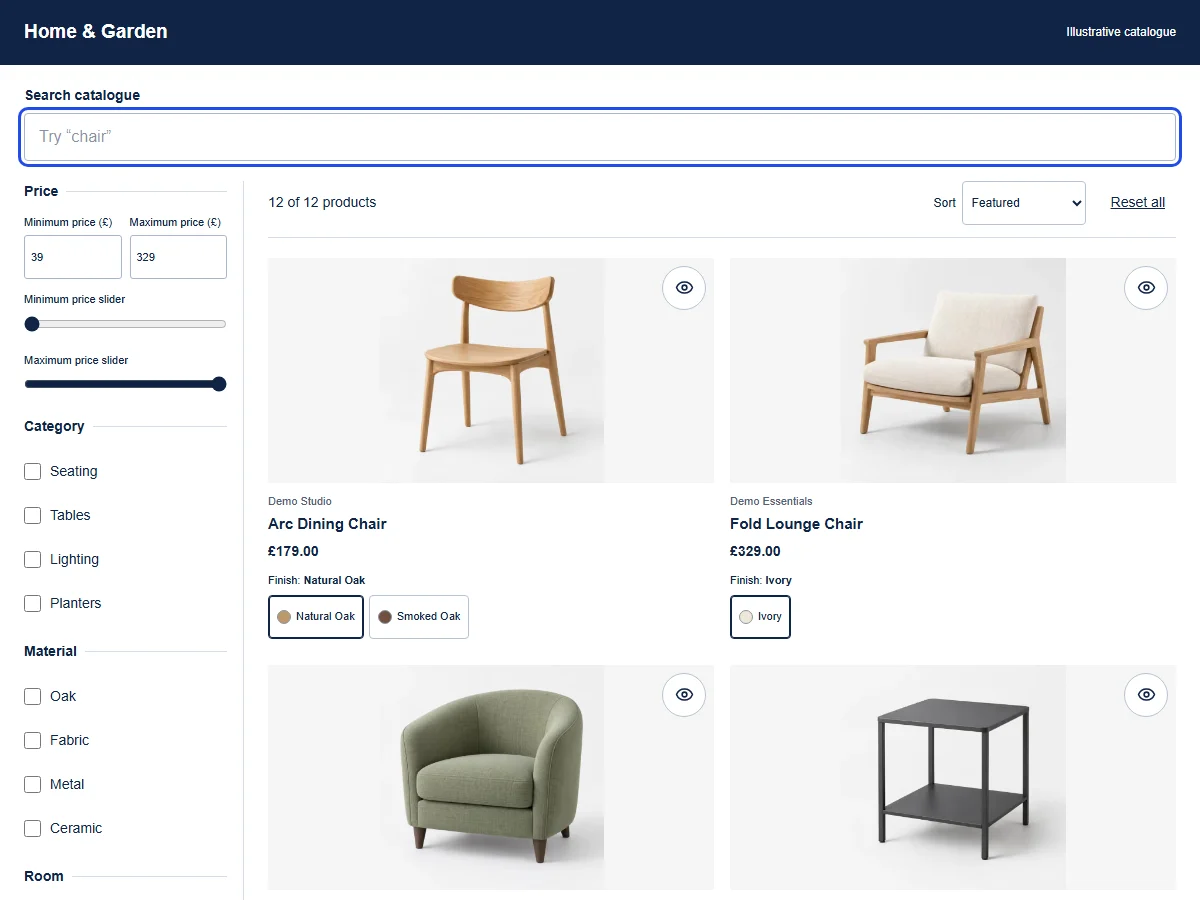
FilterIQ creates dynamic product filters from your Shopify product data — variants, tags, metafields, and more. Filters update in real-time as shoppers make selections, showing only relevant options.
See the shopper interaction
Select Oak under Material, then Dining under Room. Remove Dining to see all Oak products again.
These illustrative products demonstrate the controls in this website. Storefront appearance and supported behaviour depend on your published configuration and theme.
British female AI narration · English captions
Read the transcript
[FilterIQ intro: Search. Filter. Find.] Suppose we're looking for oak furniture for a dining room. This demo catalogue starts with twelve products, so let's use those two preferences to narrow it down. Choosing Oak under Material leaves three matches. Adding Dining under Room brings that down to two products that fit both choices. You can see each selection above the grid. If we'd like a little more choice, we can remove Dining on its own. Oak stays selected, and the third oak product returns, ready for us to compare with the others.
Download transcriptTry this example
The products are available to read. Interactive controls become available when JavaScript loads.
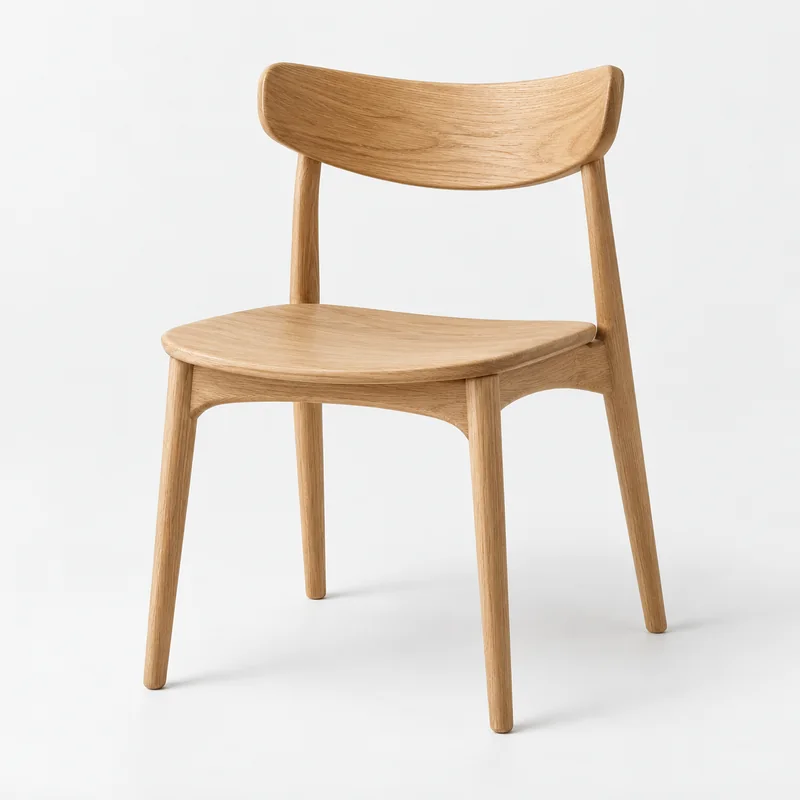
Demo Studio
Arc Dining Chair
£179.00
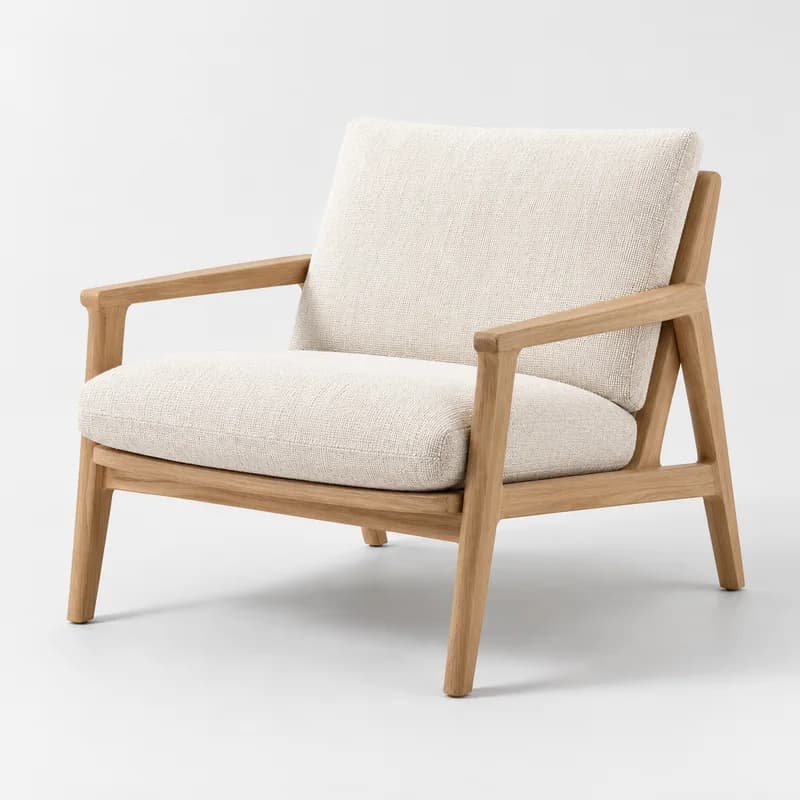
Demo Essentials
Fold Lounge Chair
£329.00
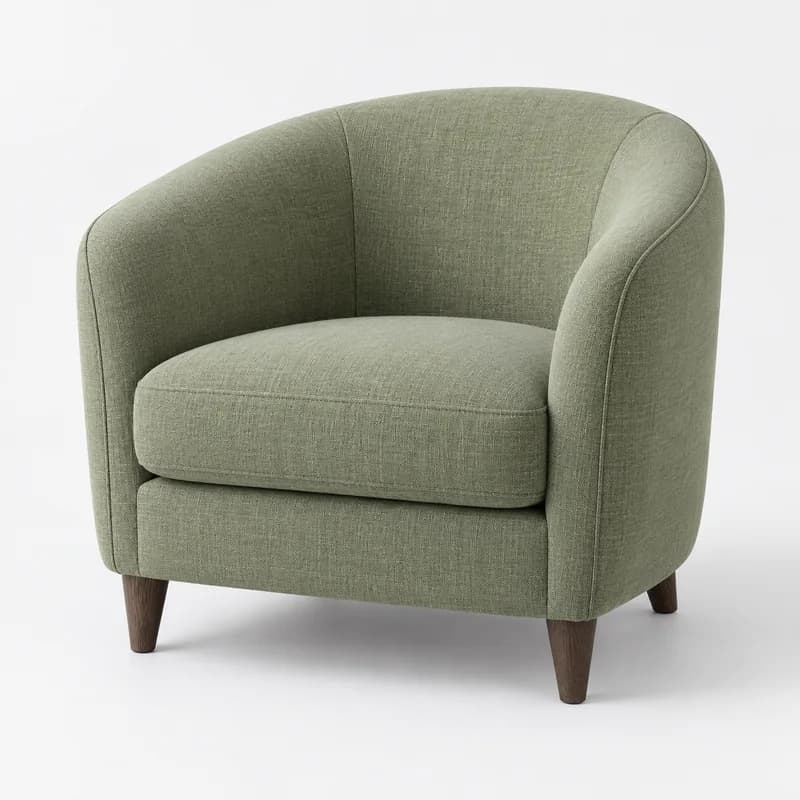
Demo Objects
Cove Accent Chair
£289.00
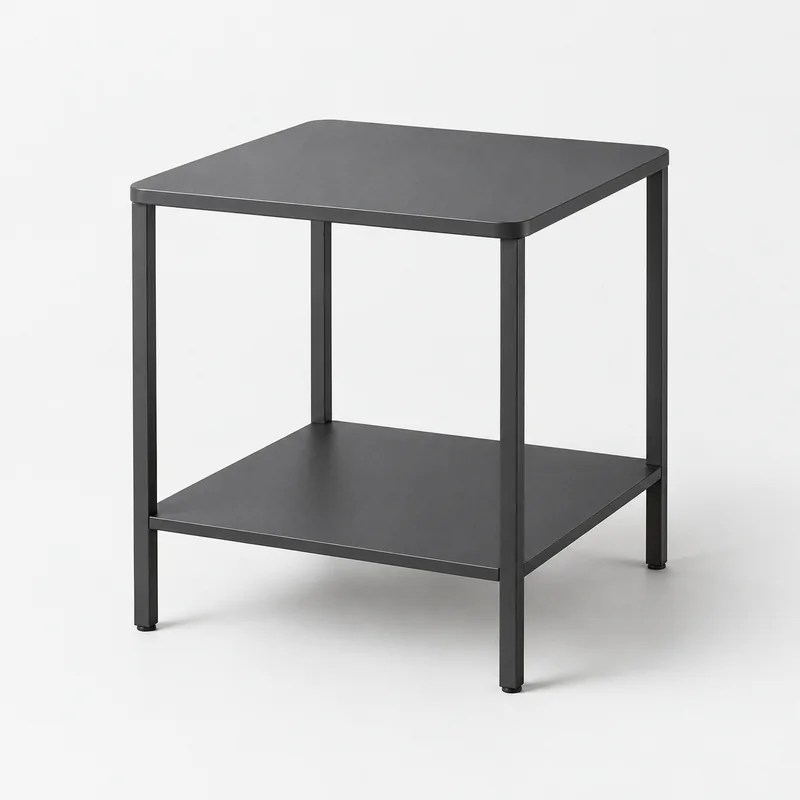
Demo Studio
Line Side Table
£69.00
Showing the first 4 matches in this focused example. Explore all 12 in the full catalogue.
Illustrative products, brands, prices and photography. Choices match recorded fields in this browser; no live store connection or checkout.
Architecture
Filters are powered by our search engine's faceted search capability:
- Filterable attributes are defined during AI Setup or manual configuration
- Product data is indexed with all filterable attributes
- When a shopper selects a filter, the query includes filter constraints
- The search engine returns matching products AND updated facet counts — so remaining filter options show accurate counts
- The filter sidebar updates to reflect available options for the current result set
This means if a shopper selects "Red" in the color filter, the size filter only shows sizes available for red products.
Filter Data Sources
Filters can be created from any of these Shopify product data sources:
| Source | Example Filters | Setup |
|---|---|---|
| Variant options | Color, Size, Material | Automatic via AI Setup |
| Product tags | Category, Style, Season | Automatic via AI Setup |
| Product type | Clothing, Accessories, Shoes | Automatic |
| Vendor | Brand/manufacturer | Automatic |
| Price | Price range | Automatic |
| Metafields | Any custom attribute | Manual or AI-detected |
| Inventory | In Stock / Out of Stock | Via merchandising rules |
| Compare-at price | On Sale filter | Automatic if compare-at prices exist |
Filter Display Types
Color Swatches
Circular color samples that shoppers can click to filter by color. Colors are detected from variant option names:
- Named colors ("Red", "Blue", "Navy") → mapped to CSS colors
- Hex codes in metafields → displayed directly
- Custom color mappings configurable in dashboard
Size Selectors
Button-style selector showing available sizes. Sizes that are unavailable (filtered out) appear grayed out:
- Auto-detects common size formats: S/M/L/XL, numeric (6, 7, 8, 9), US/UK/EU
- Supports custom size scales
Range Sliders
Dual-handle slider for numeric attributes:
- Price range (auto-configured from product prices)
- Weight
- Any numeric metafield
- Shows min/max values
- Input fields for direct number entry
Star Ratings
1-5 star rating filter. Requires a rating metafield on products:
- Shows "4 stars & up", "3 stars & up" format
- Works with Judge.me, Loox, and other review apps that store ratings in metafields
Checkbox Lists
Multi-select checkboxes for any attribute:
- Product tags
- Product types
- Vendors
- Custom metafield values
- Shows count of matching products next to each option
Boolean Toggles
On/off switches for binary attributes:
- "In Stock Only"
- "On Sale"
- "Free Shipping"
- Custom boolean metafields
Filter Behavior
Multi-Select vs Single-Select
- Multi-select (default for checkboxes): Shopper can select multiple values. Results include products matching ANY selected value (OR logic)
- Single-select (default for color swatches): Only one value active at a time
Configurable per filter in the dashboard.
Filter Counts
Each filter option shows the number of matching products. Counts update in real-time as other filters are applied:
- "Red (23)" means 23 products match the current search/filter state AND are red
- Options with 0 matches are hidden by default (configurable to show grayed out)
Filter Ordering
Filter options can be ordered by:
- Count (most products first) — default
- Alphabetical (A-Z)
- Custom order — drag and drop in the dashboard
Clear Filters
- Individual filters have a "Clear" action
- A "Clear All" button resets all filters
- Active filters are shown as removable chips above results
Mobile Experience
On mobile devices (under 768px):
- Filters move into a slide-out drawer triggered by a "Filters" button
- The drawer slides in from the bottom or side (configurable)
- All filter types are touch-optimized with 44px minimum tap targets
- An "Apply Filters" button closes the drawer and updates results
- Filter count badge on the trigger button shows number of active filters
Performance
- Filter operations are handled by the search engine and typically respond in under 50ms
- Filter state is maintained in URL parameters for shareable/bookmarkable filtered views
- No full page reload — filters update results dynamically via JavaScript