
A useful starting point for every product search.
Give shoppers a way into your catalogue, then let them refine the results with the filters your team has configured.
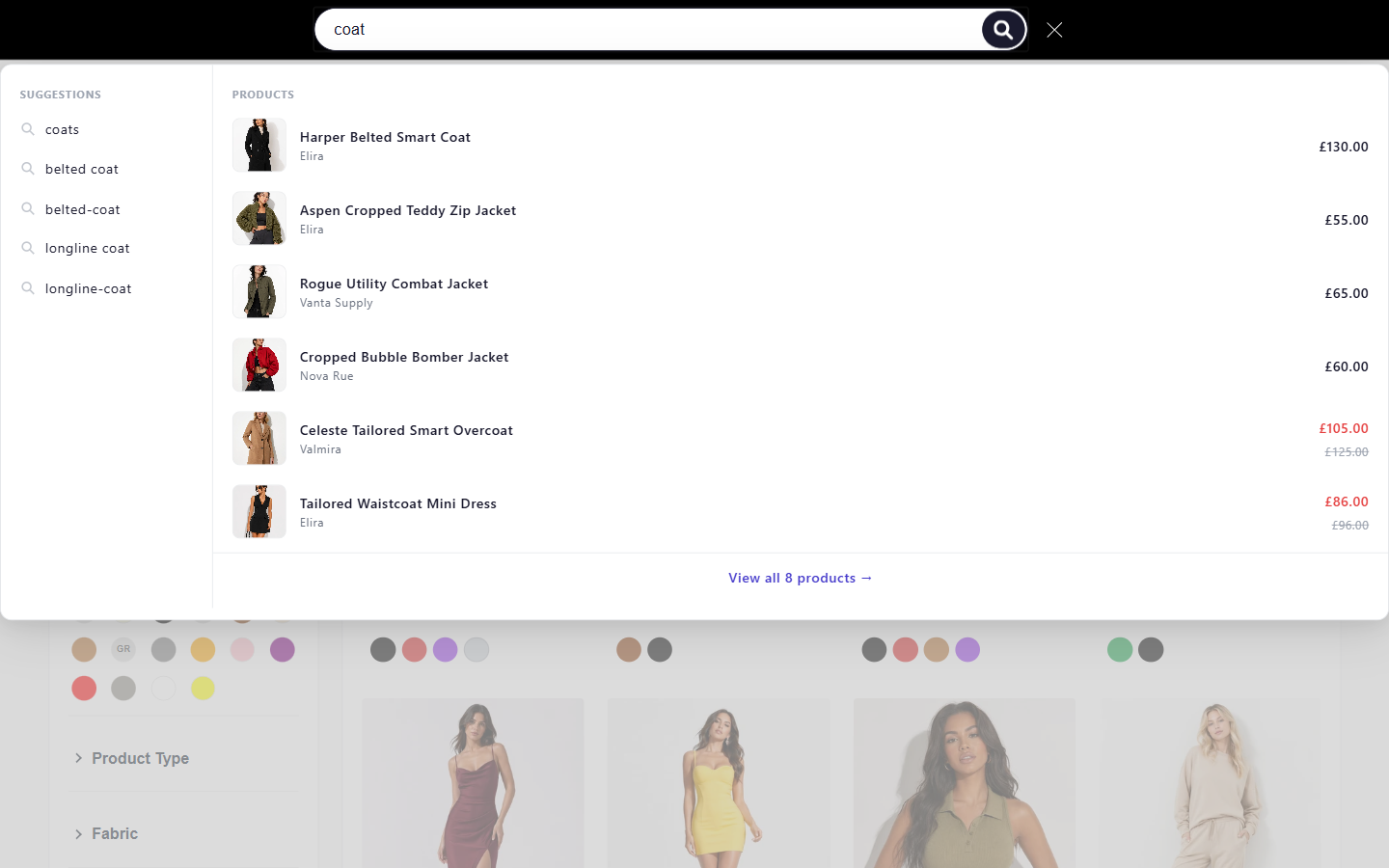
Product discovery software for Shopify · Private previewThe query “coat” opens search suggestions and six product previews with images, names and prices.
FilterIQ demo catalogue; source storefront access may require a password. · Captured 2026-10-17. View source storefront
Open full-size capture by selecting the image. Open original fileA query starts the search. Filters refine the choice.
Search and filtering work together, with distinct jobs. The product query finds a starting set; shoppers choose attributes and price to narrow it.
Read the search guides- Search-as-you-type
- Present product suggestions as a shopper enters a query. Check common terms, misspellings and empty results against your indexed catalogue.
- Synonym suggestions
- AI can propose catalogue-relevant synonym pairs for merchant review. Confirm that approved pairs return the intended products.
- Locale-aware vocabulary
- Review locale-aware synonym suggestions for published store languages when locale data is available. Test accented terms, transliterations and language-specific vocabulary against your catalogue before publishing.
Try the shopper side of search.
This working sample runs on a small local catalogue. Enter a query and change colour, size or price yourself; it does not connect to your Shopify store.
12 products



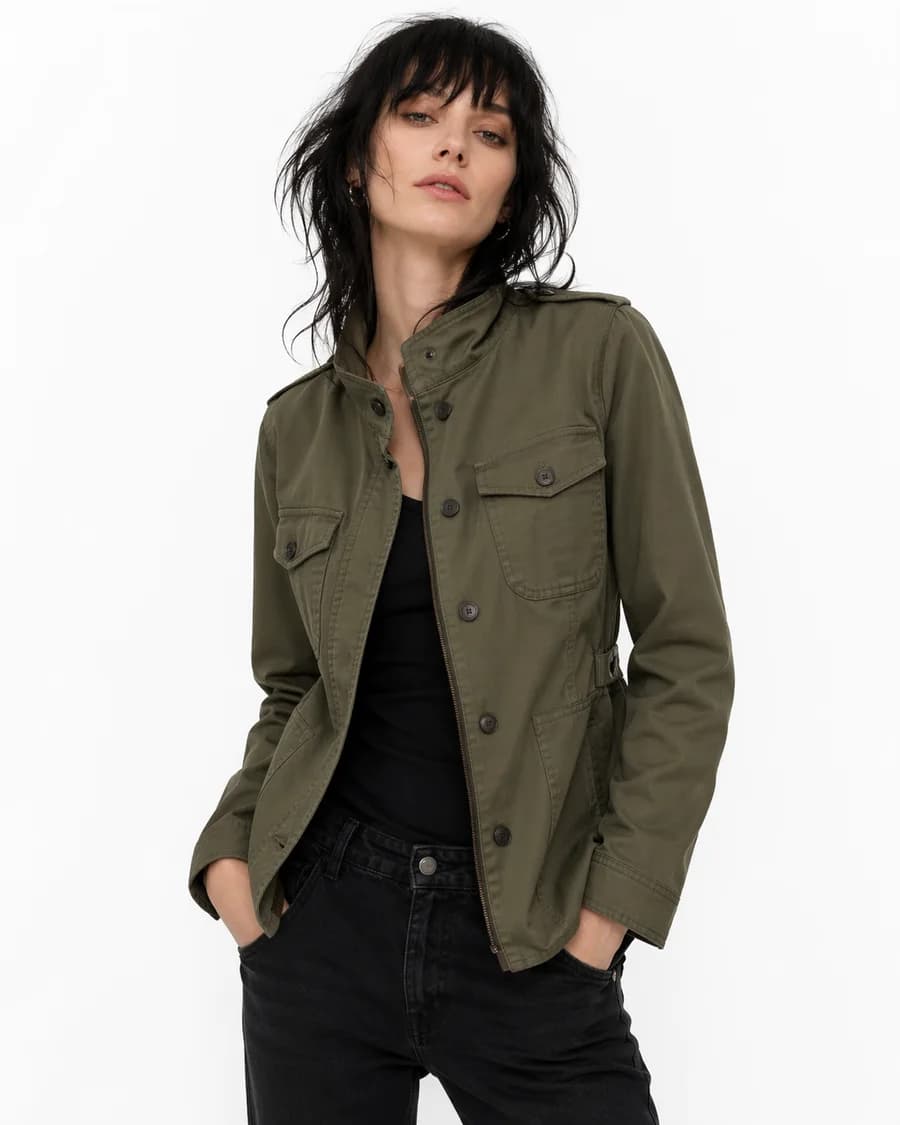

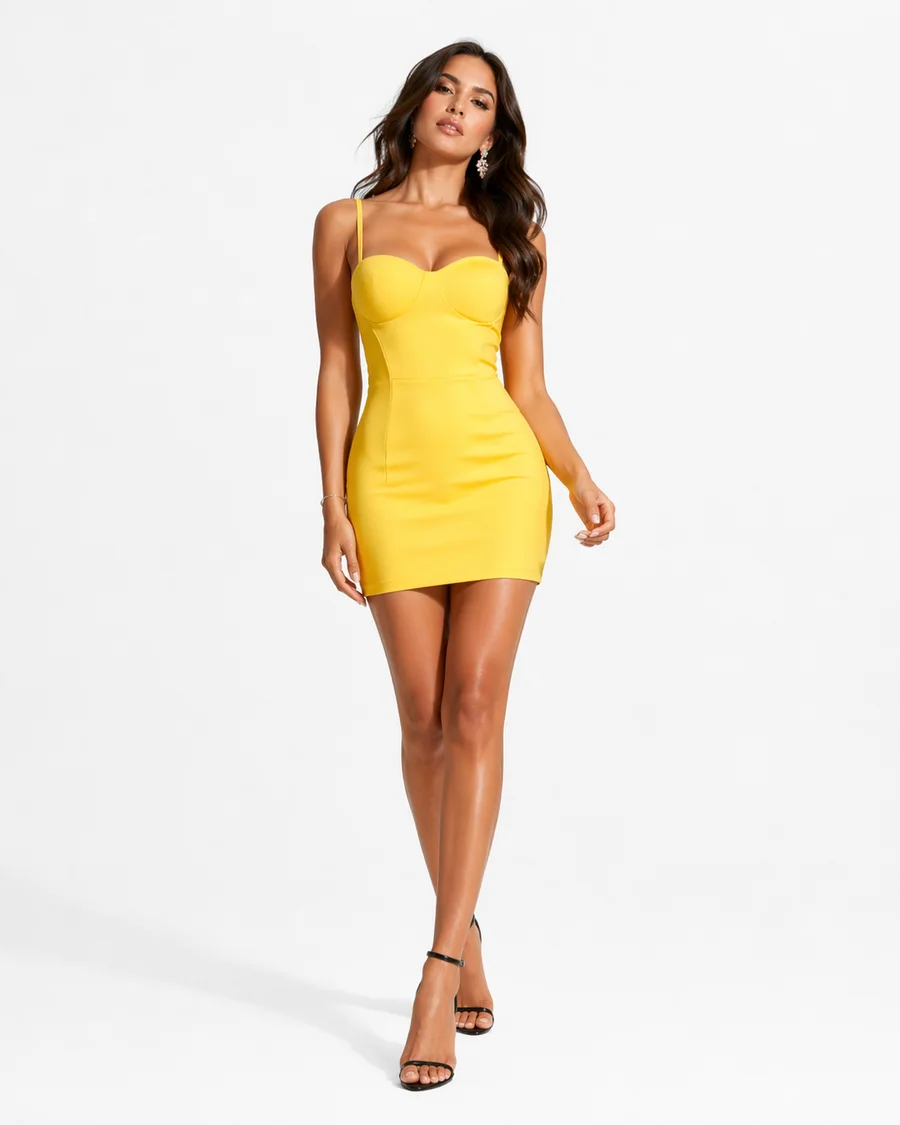




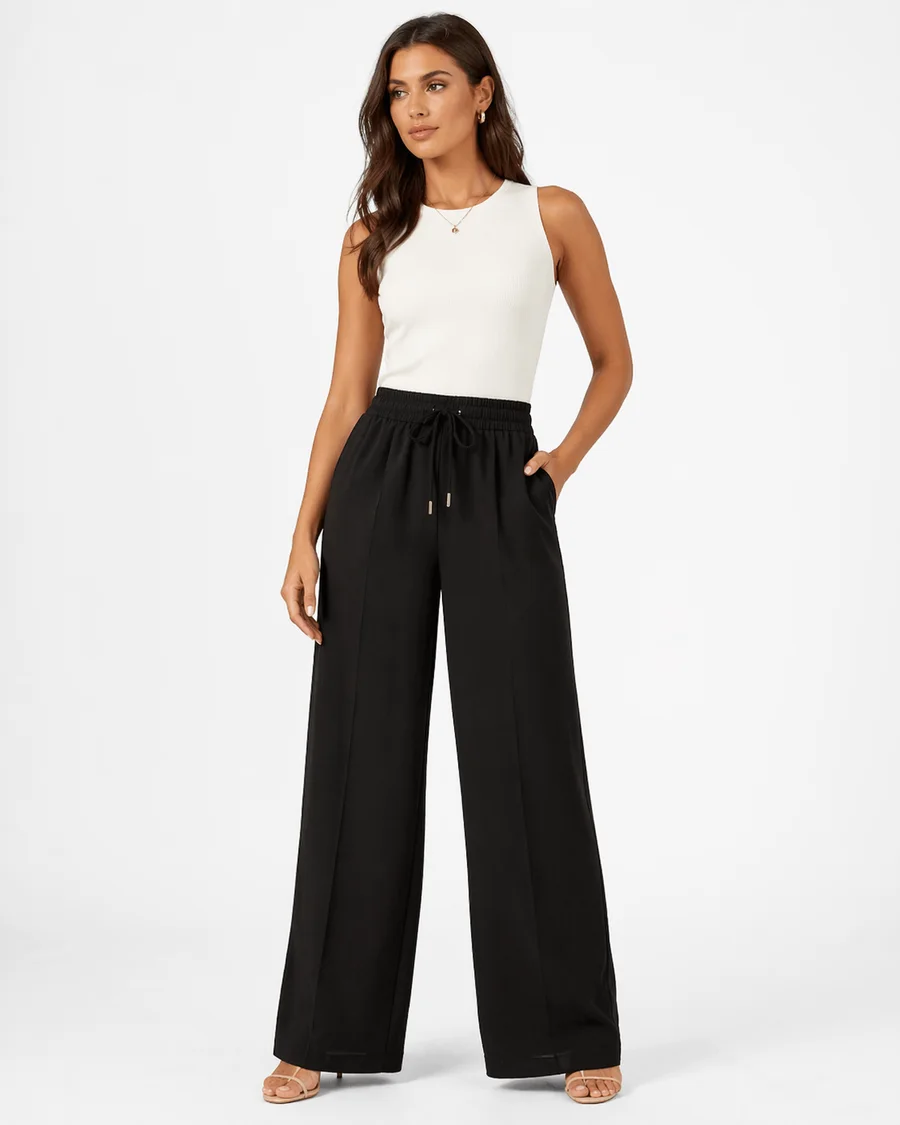
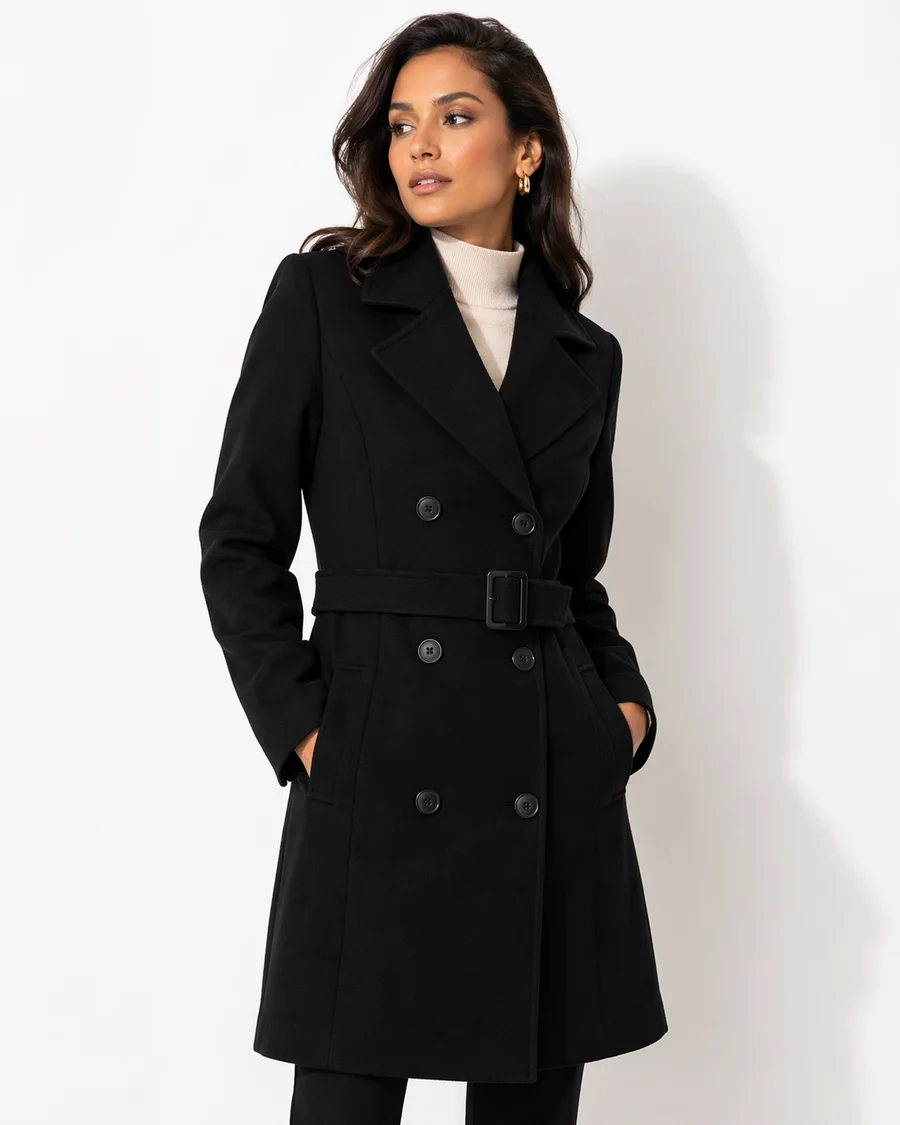
Watch the choices narrow, then make them your own.
A preview of 12 real products, captured 2026-10-17. This example runs in your browser; it is not live inventory or a production AI or speed benchmark. View source storefront (a password may be required).
Watch the choices change the results.
Short recordings of our illustrative catalogues show the shopper interaction. Try the same controls in the full demo.
British female AI narration · English captions
Read the transcript
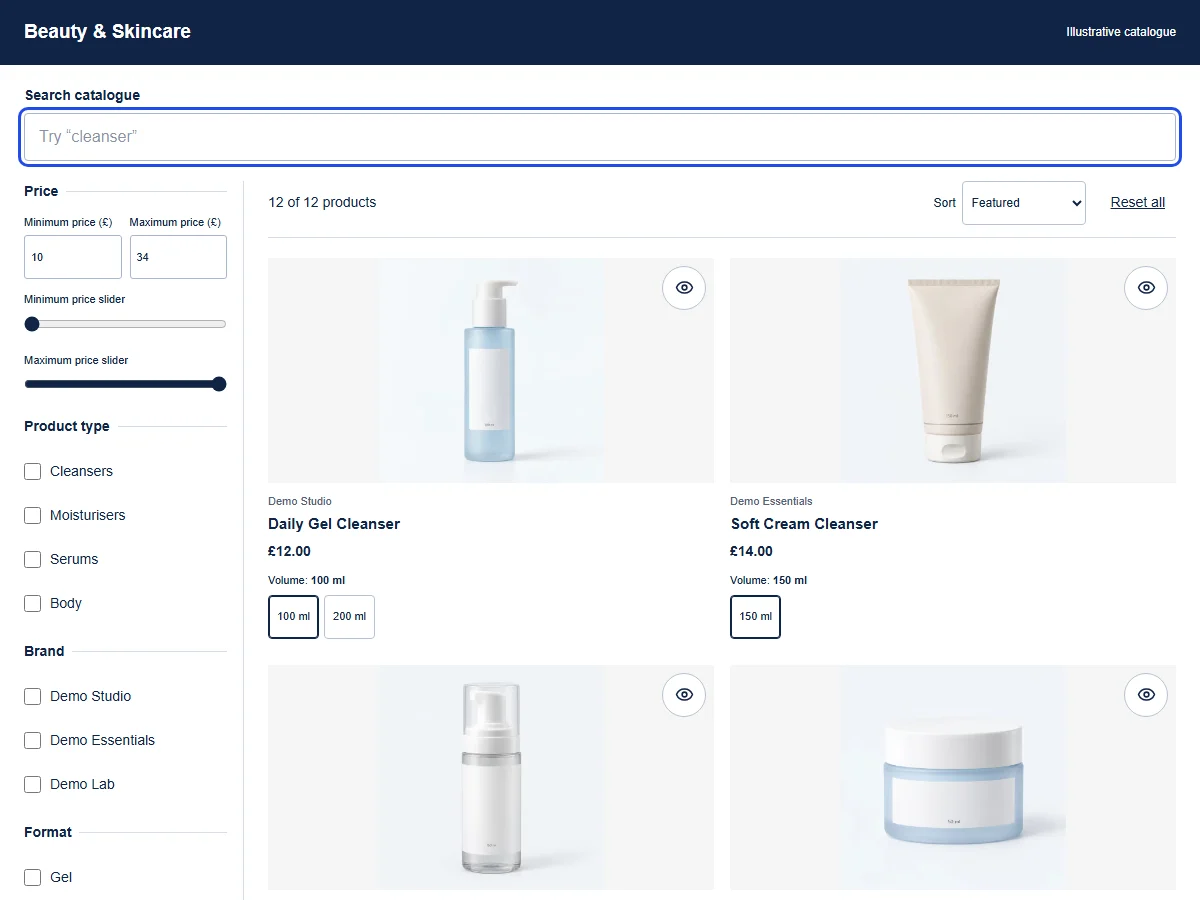
[FilterIQ intro: Search. Filter. Find.] A search doesn't always find a match, so shoppers need a clear way to keep browsing. In this demo beauty catalogue, we enter a search that matches none of the twelve products. The page explains that there are no results and suggests ways to broaden the search. Here, we choose Reset all. The search text clears, and all twelve products return to the catalogue. From this fresh starting point, we could try a different search or browse the collection again. This example shows a search reset; it doesn't show fallback recommendations.
Download transcript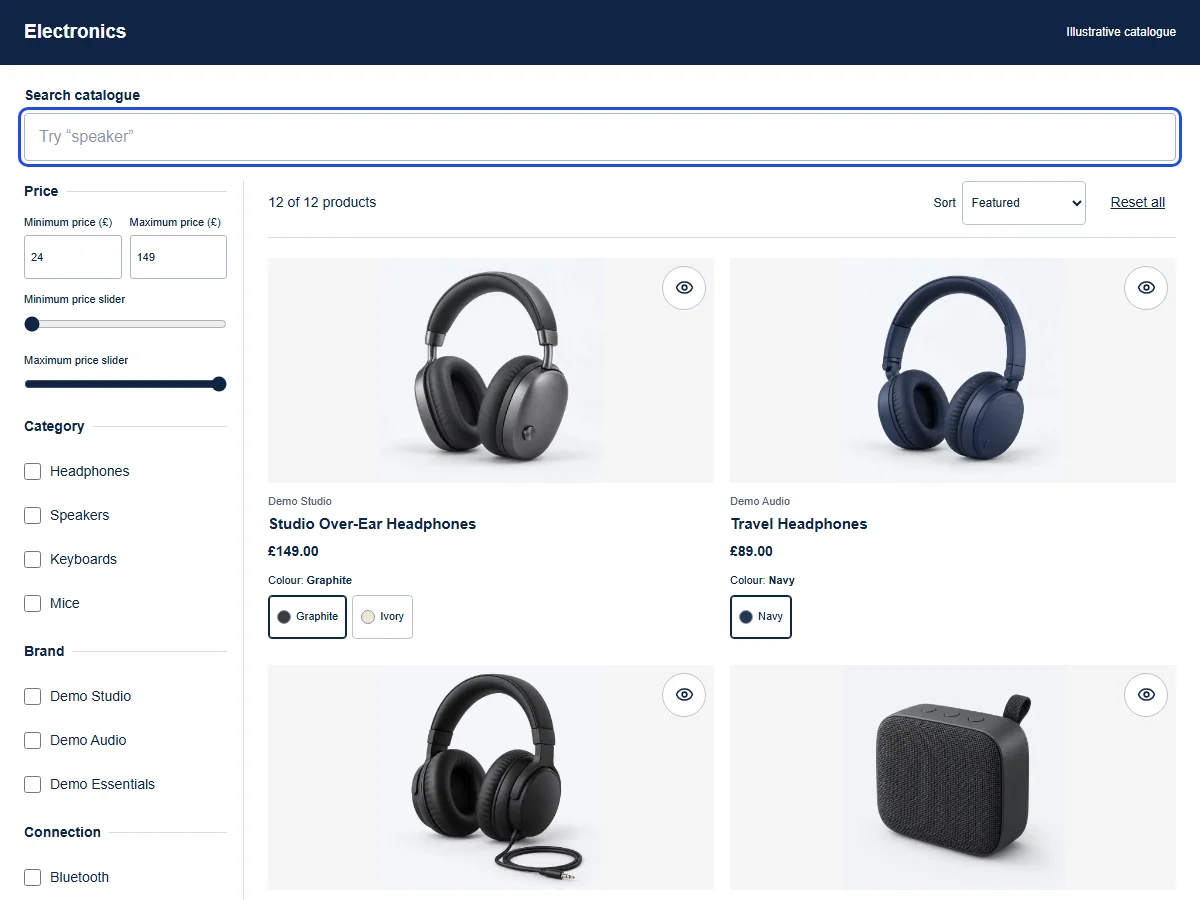
British female AI narration · English captions
Read the transcript
[FilterIQ intro: Search. Filter. Find.] Looking for headphones on a budget? In this demo catalogue, there's more than one way to explore the choices. The Ivory option on this product card changes that pair's photograph, so we can see the colour before looking more closely. To narrow the whole catalogue, we choose Headphones under Category. Then we set a maximum price of eighty-nine pounds, leaving two matching products to compare. When we're ready to start again, Reset all clears those filters and restores the catalogue of twelve products.
Download transcriptCompare actual product matches
A shopper knows what they want, but their wording may differ from your product title. Useful search connects that query to products they can inspect and refine.
- What your team controls
- Review catalogue vocabulary and approved synonym pairs alongside the indexed product data. Keep a named set of expected matches so a changed query can be checked against the same products.
- What the shopper experiences
- A product query provides the starting results; shoppers select filters separately to narrow the choice. Clear empty results should leave a route back to a broader query.
- Limitations and requirements
- Typo behavior, identifiers, searchable fields and language coverage need to be checked on your indexed catalogue. AI-assisted synonyms do not establish semantic search. The local interaction sample is not production relevance evidence.
What to verify in your preview
Check 1
Record the product names and identities expected for an exact query, a misspelling and an approved synonym.
Check 2
Run the same query with an active filter. Check the products as well as the count; test an identifier only where its indexing is confirmed.
Check 3
Try a query with no matches, remove the filter and revise the query. Record the recovery and any unexpected products.
Evaluate FilterIQ with your catalogue.
Review preview availability, feature guidance and billing terms before planning setup. Contact the team about your catalogue and requirements.