
Give every colour and size a clear place.
Shopify search and product filters for fashion and apparel. Help shoppers explore colour, size and price, with a working catalogue you can try.
FilterIQ for Shopify · Fashion & apparel · Private preview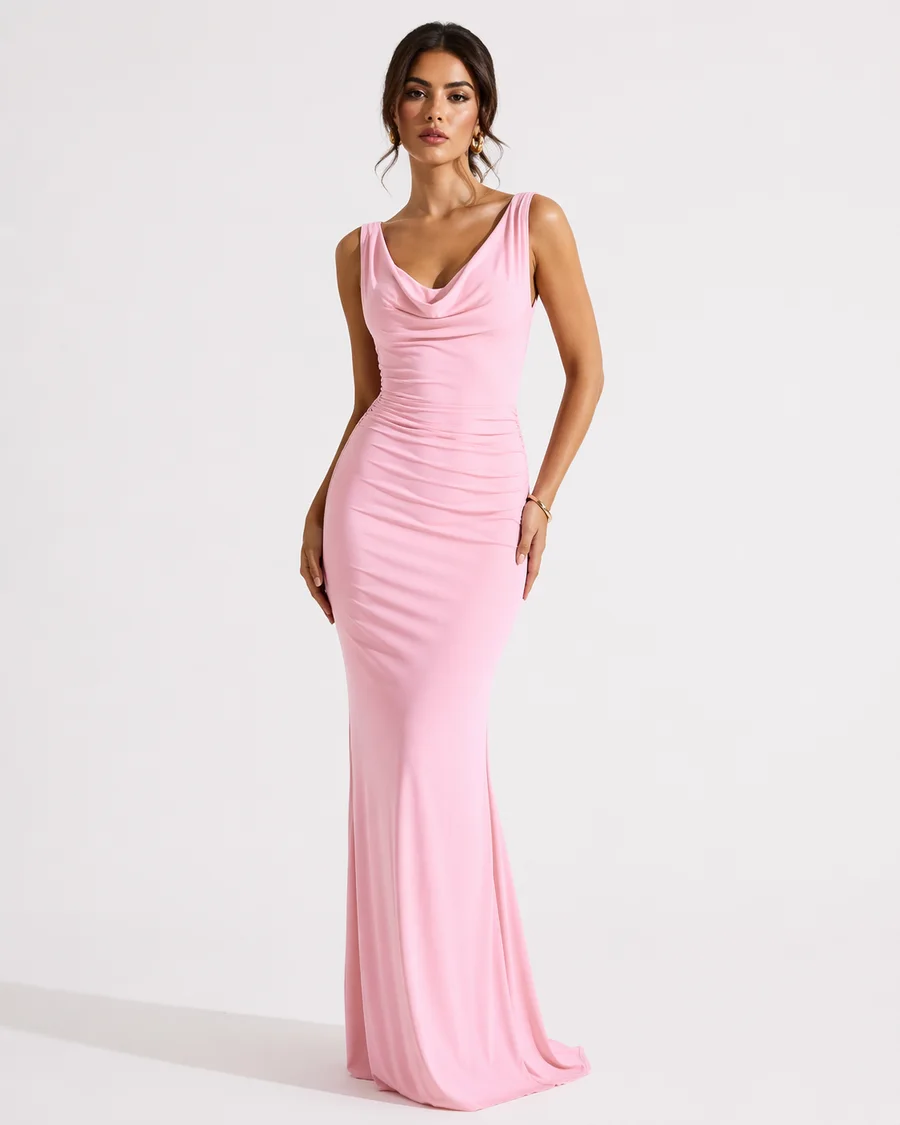
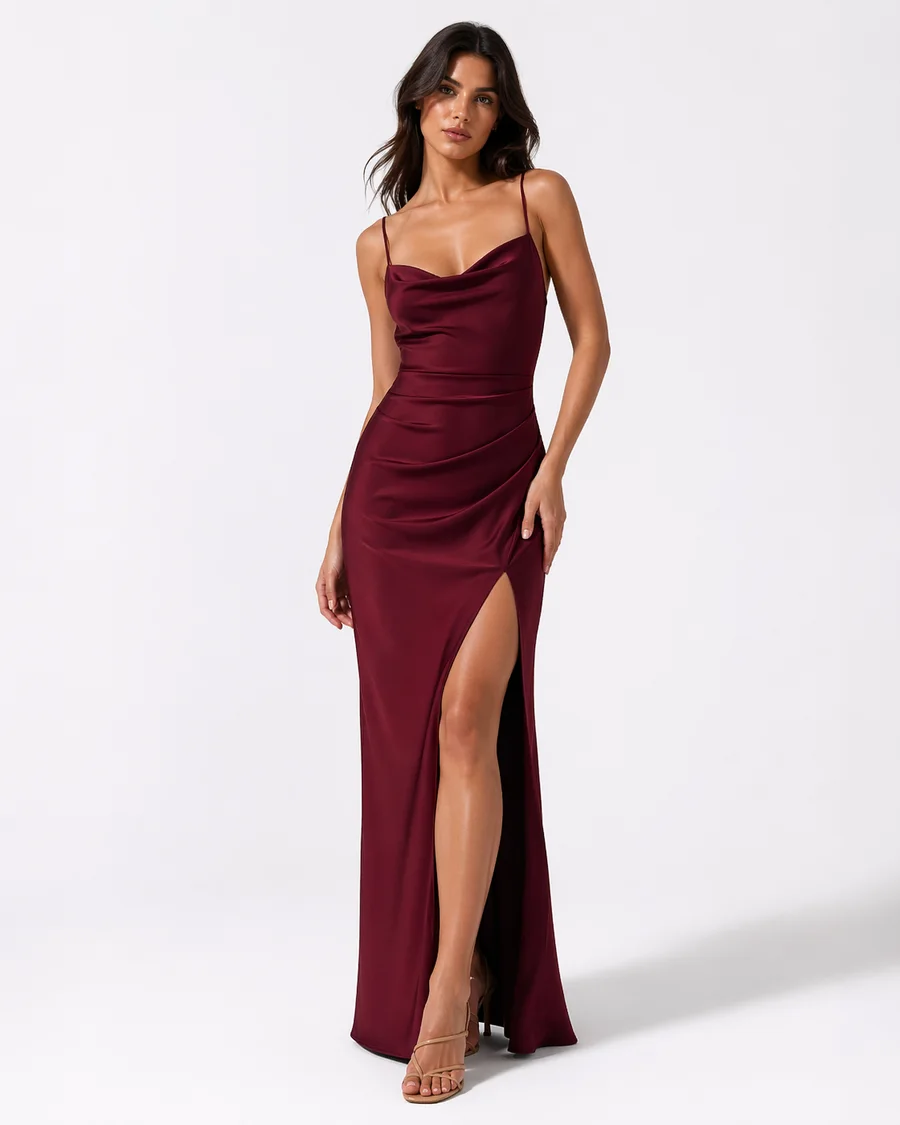
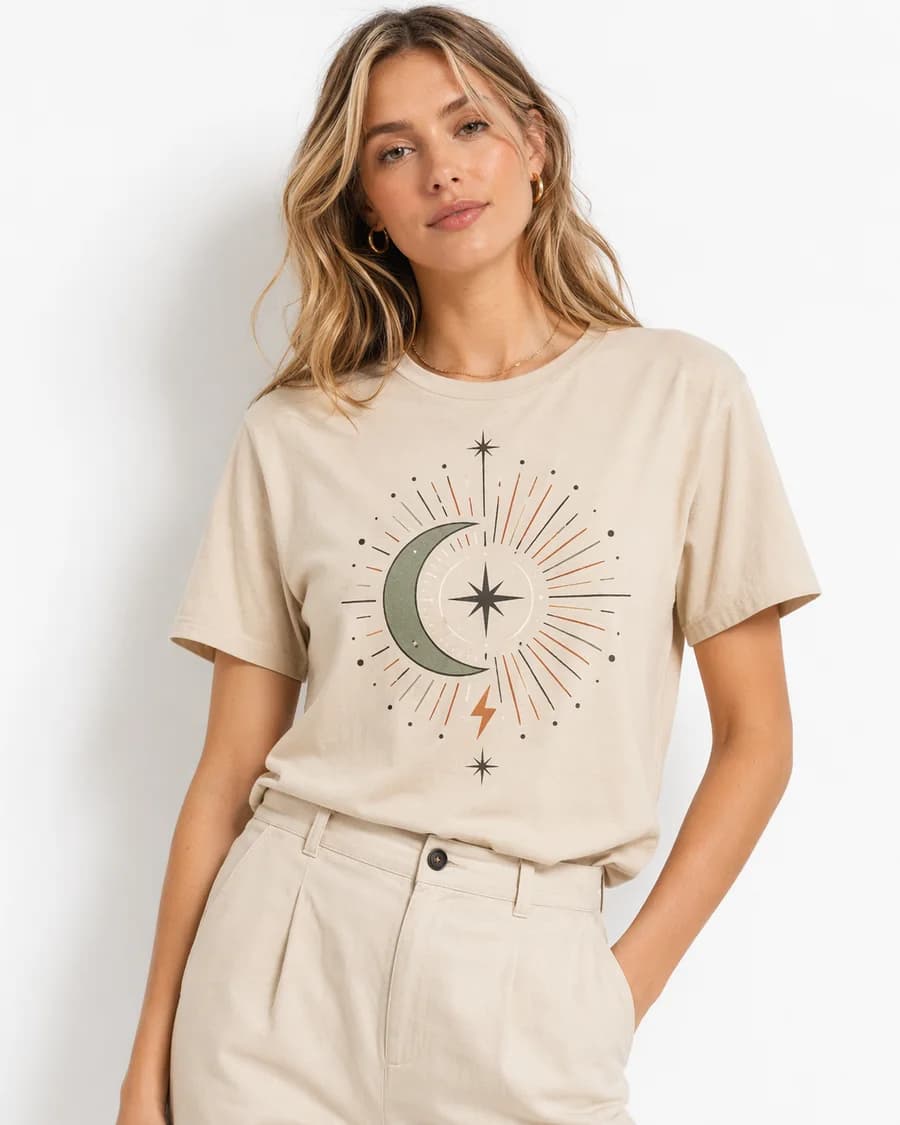
A catalogue you can explore.
Try “dress”, narrow the price range and explore the product options. Open quick view to see the selected option and its details.
12 products
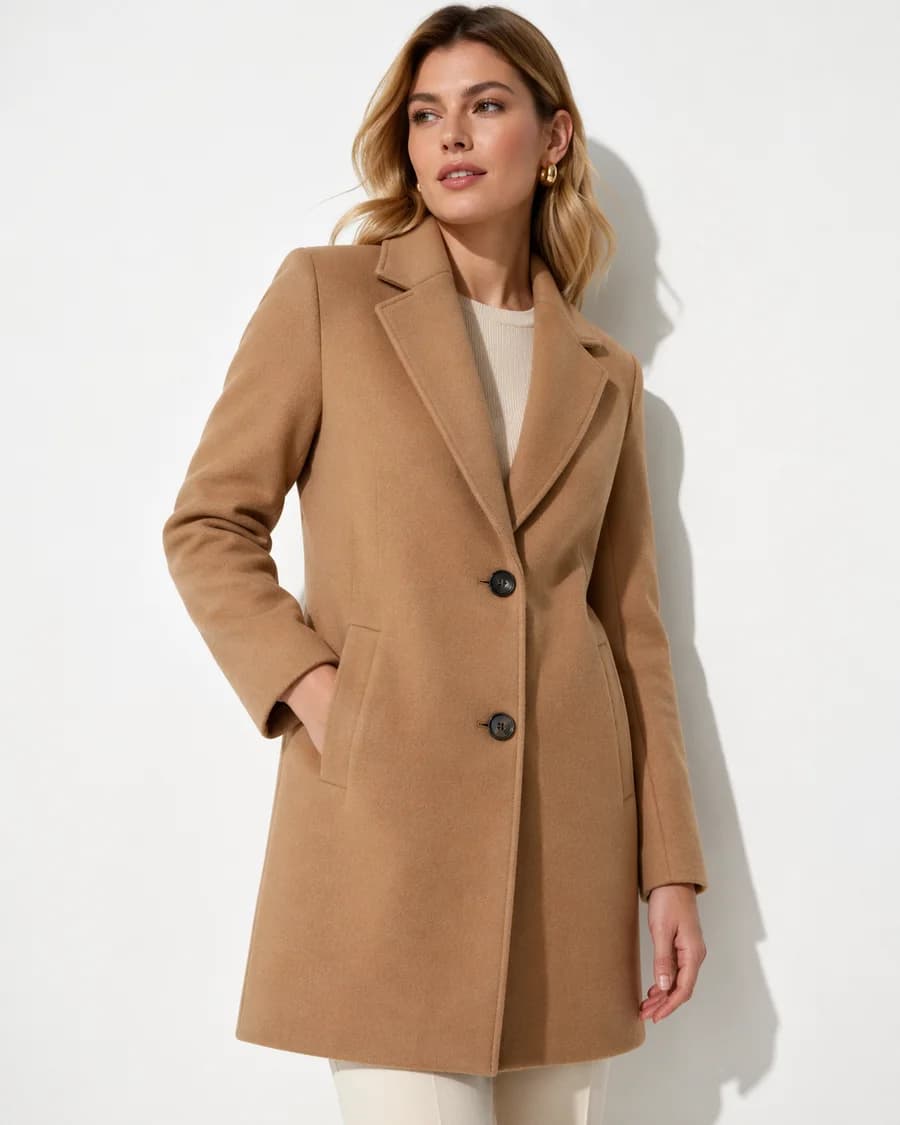
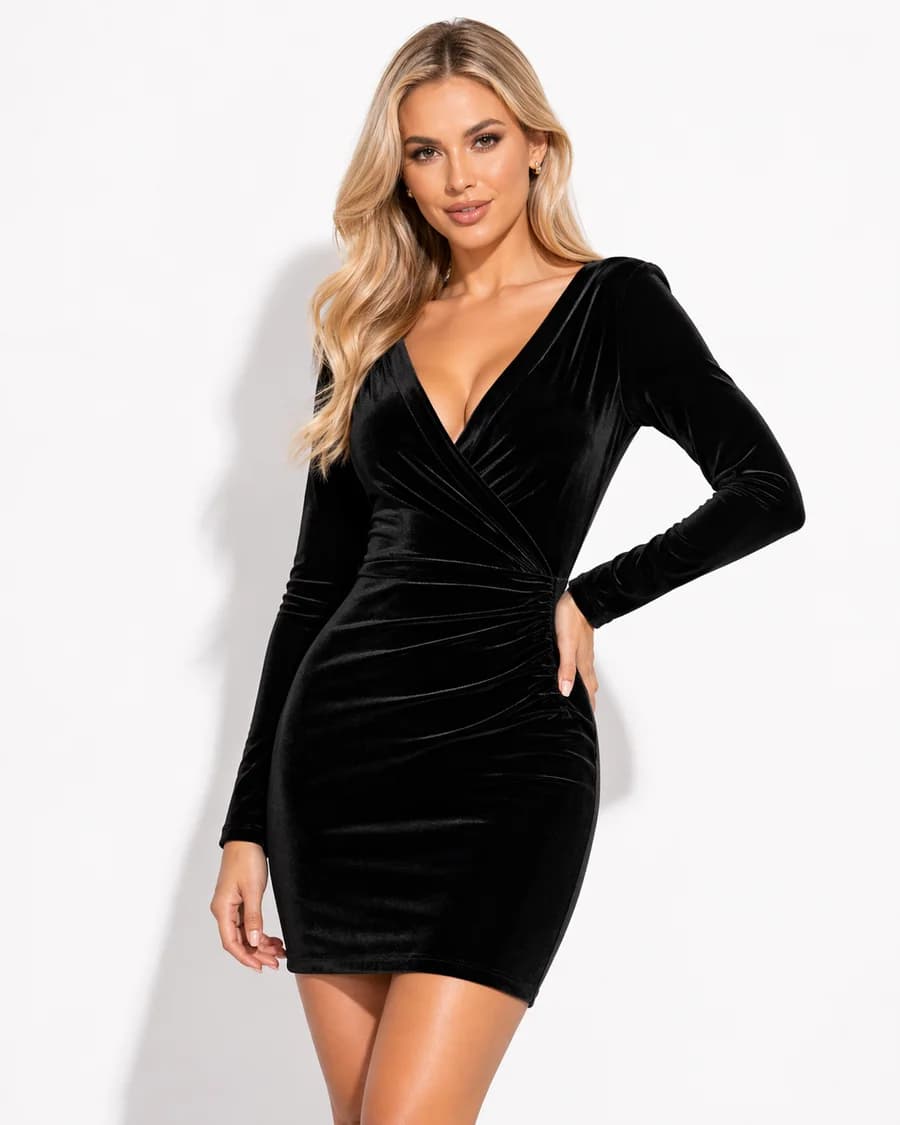
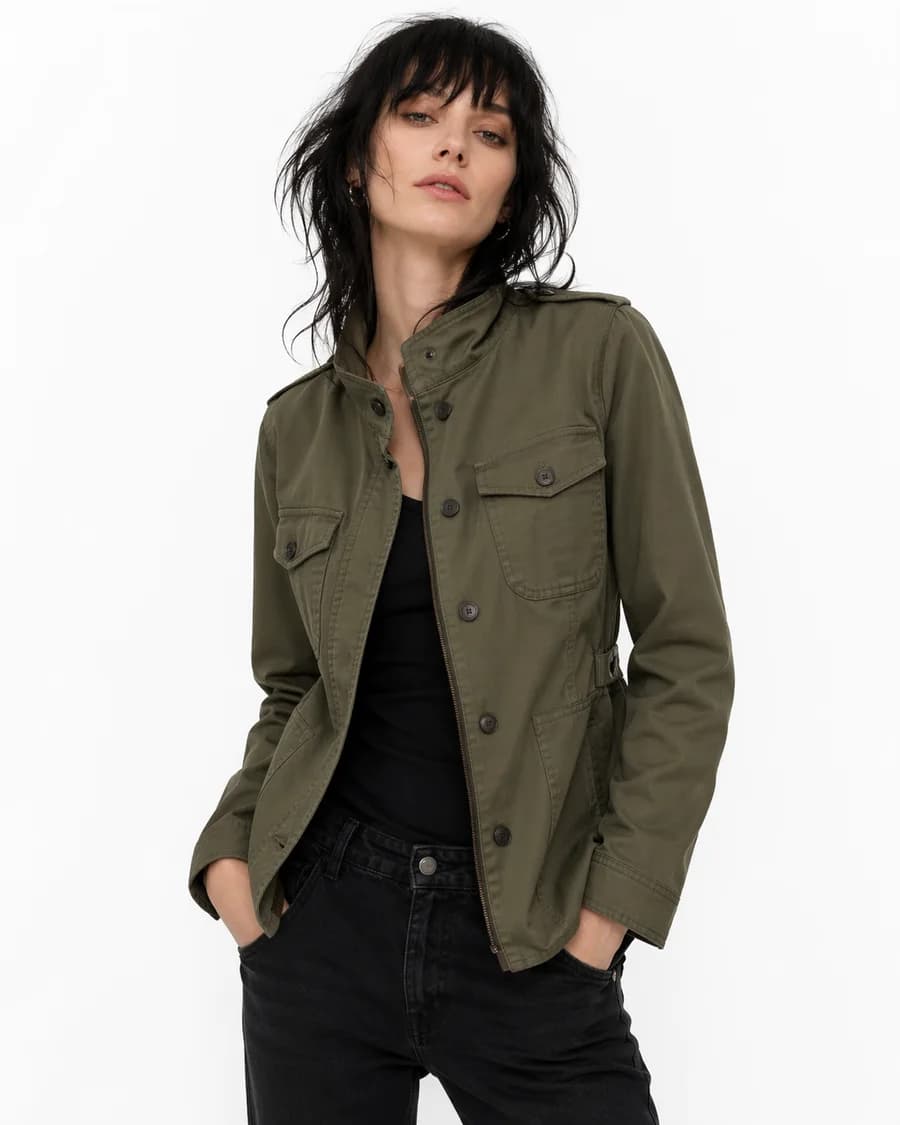
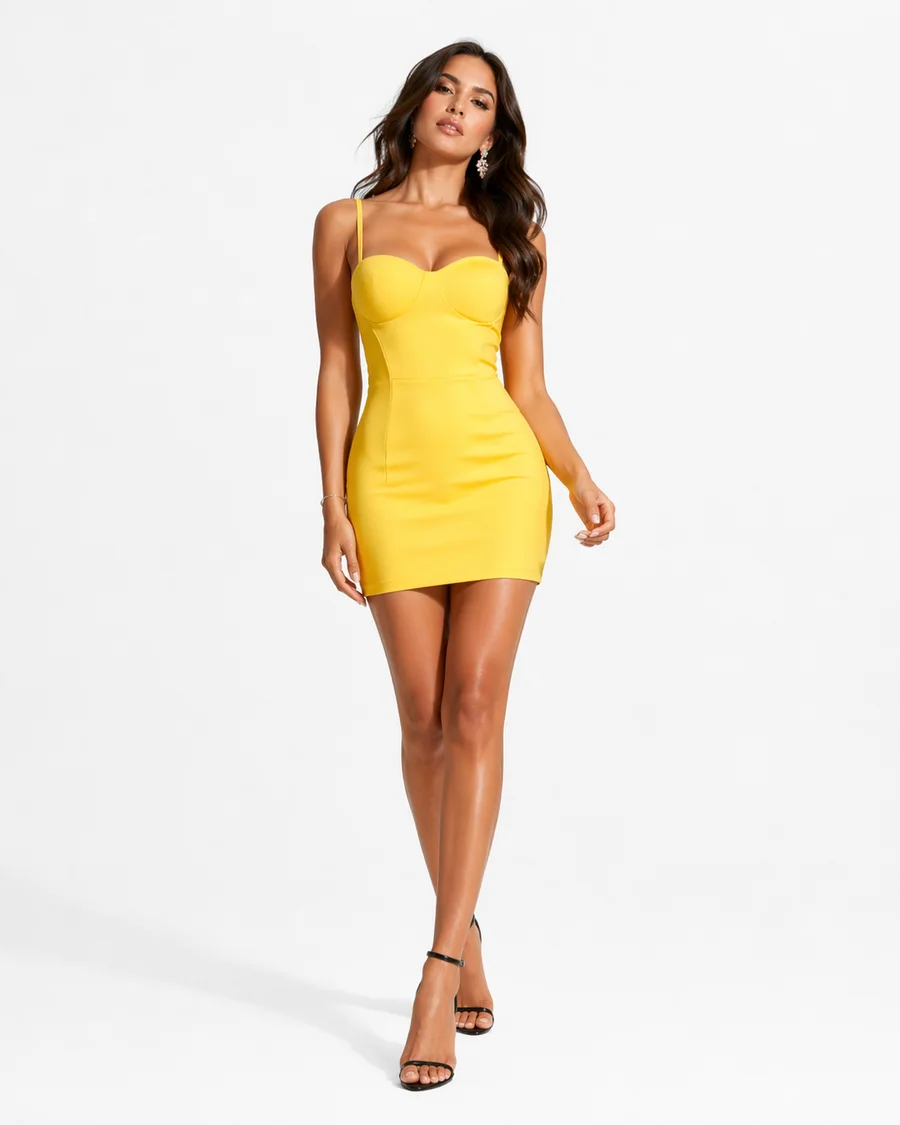
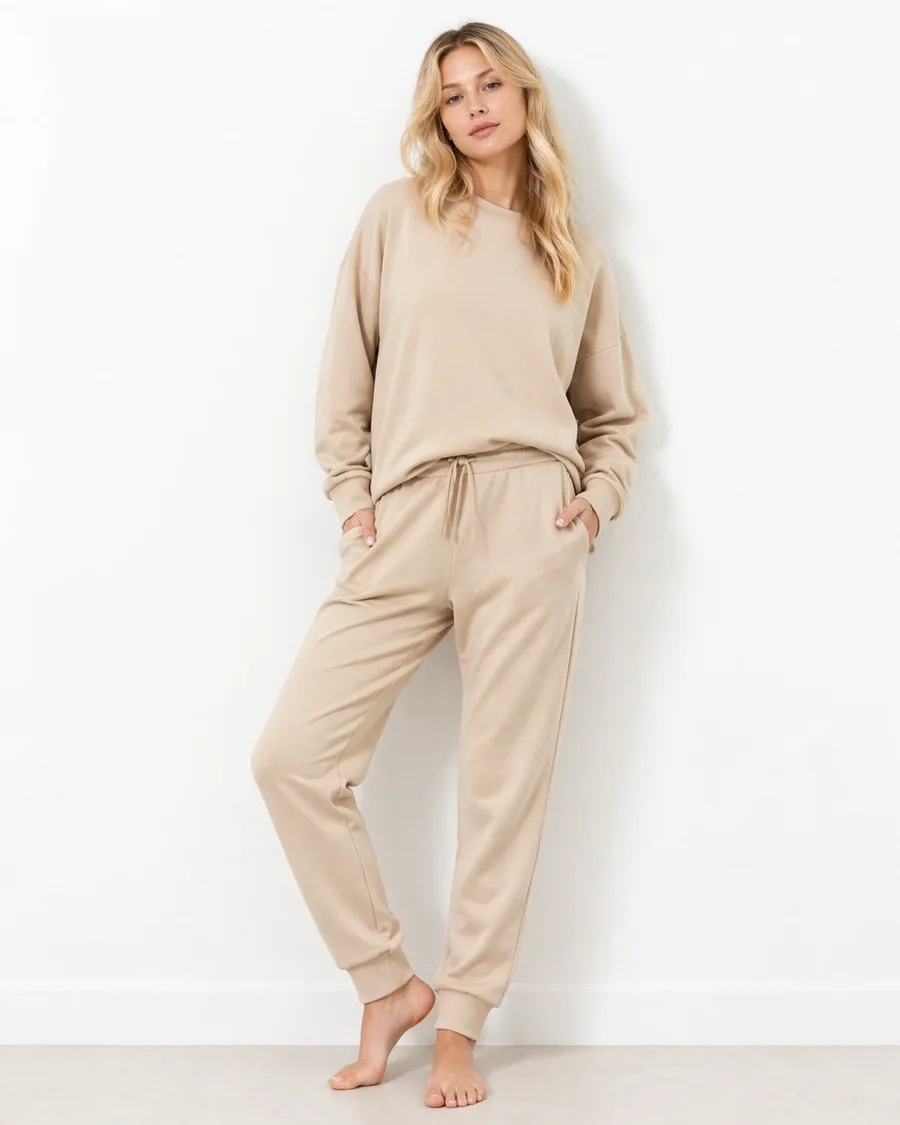
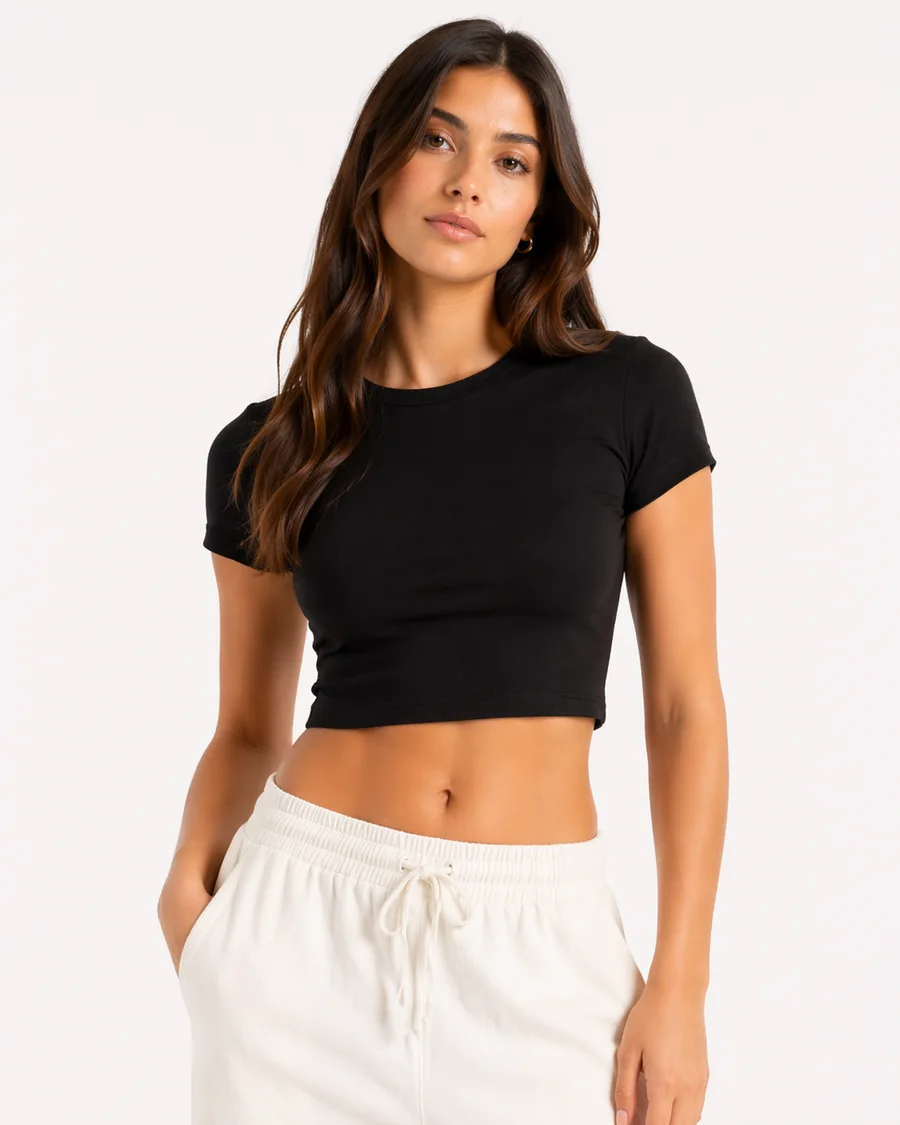
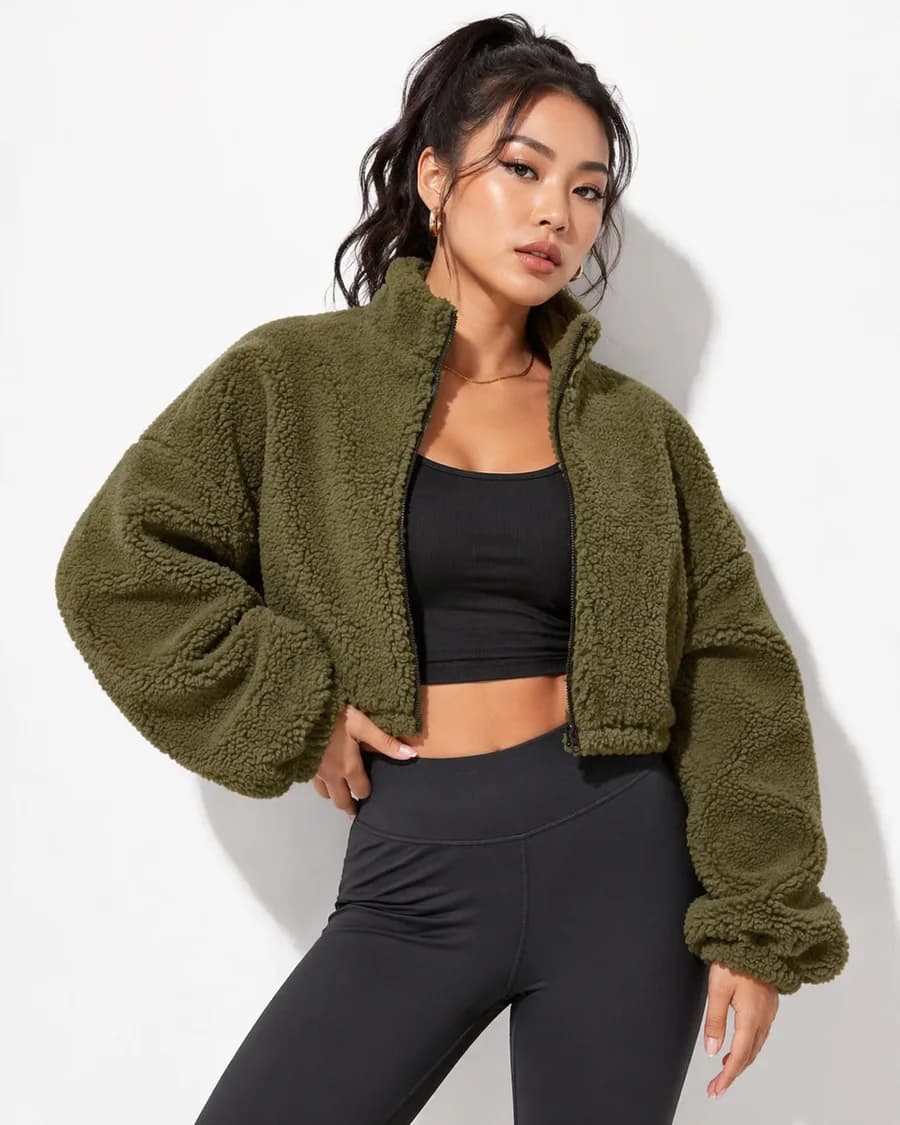
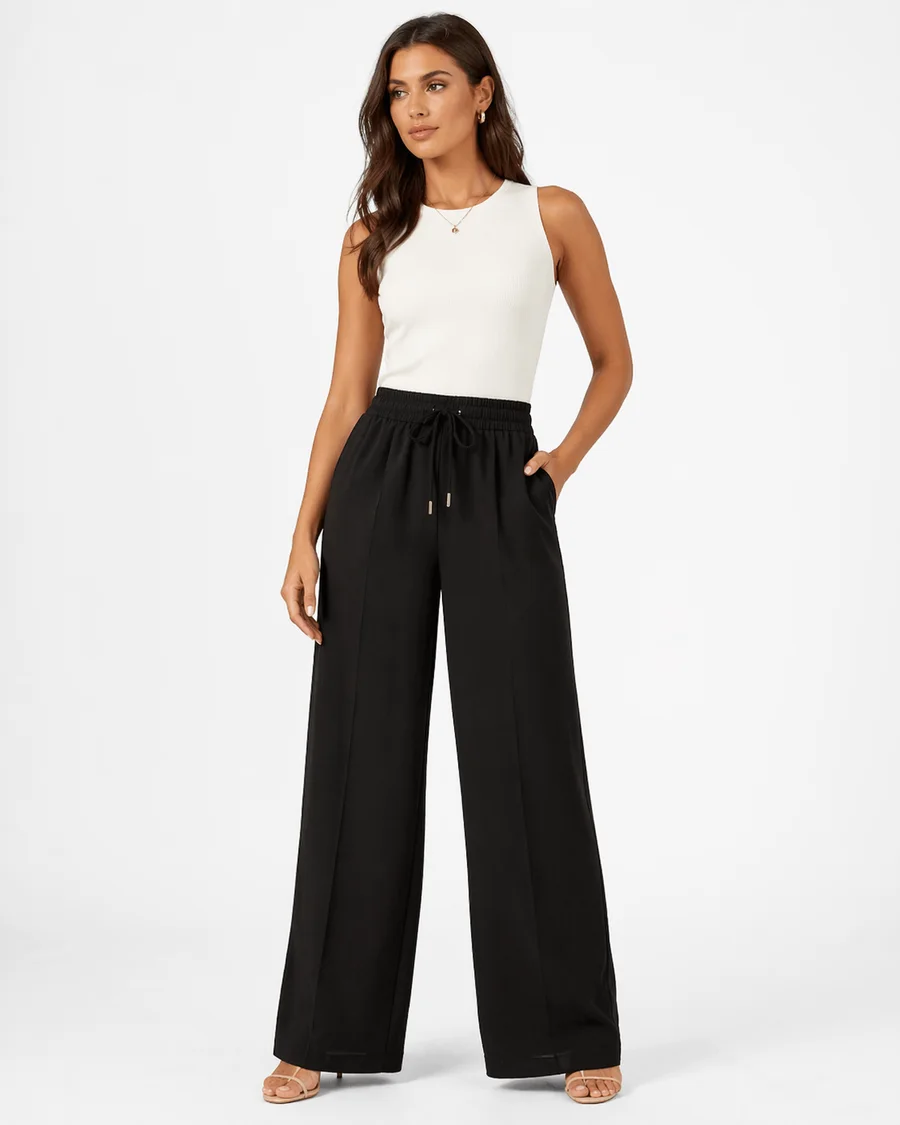
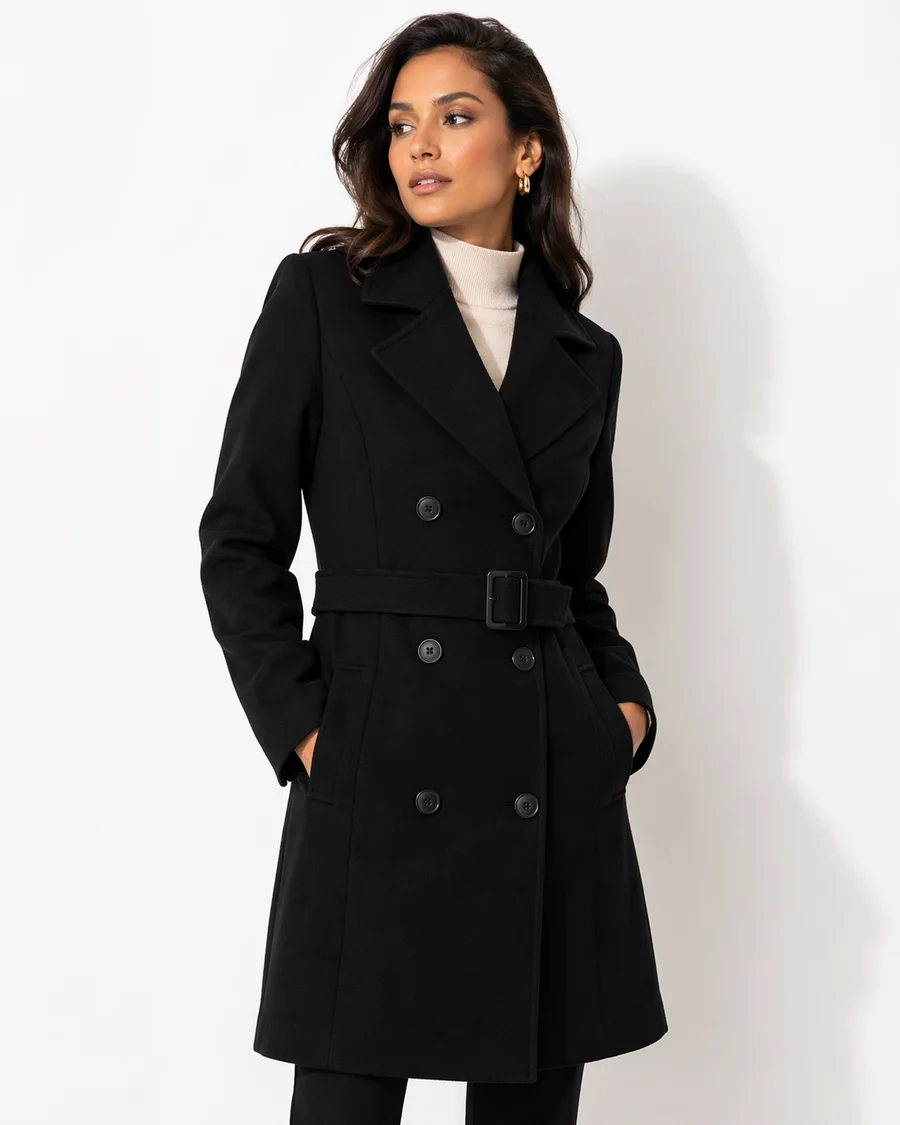
Watch the choices narrow, then make them your own.
A preview of 12 real products, captured 2026-10-17. This example runs in your browser; it is not live inventory or a production AI or speed benchmark. View source storefront (a password may be required).
Your catalogue vocabulary becomes the shopping vocabulary.
Fashion ranges can mix size systems, seasonal colour names and material descriptions. Decide which distinctions to keep and which values should be grouped before publishing filters.
Explore catalogue intelligence| Attribute | Catalogue source | Review before publishing |
|---|---|---|
| Colour | Variant colour option | Check swatch labels against the recorded value. |
| Size | Variant size option | Keep UK, EU and letter sizes distinct unless you have an explicit mapping. |
| Material | Supported option or metafield | Review composition values before grouping. |
| Price | Recorded product price | Test boundary values and the returned variants. |
A size label is only a starting point.
Verify that combinations of colour and size correspond to the variants shoppers can actually buy. Keep product sizing information available; a filter value is not a fit recommendation.
Check the complete journey.
Confirm catalogue sync, review labels and values, then test on your Shopify theme. Include combinations with no results and a clear route back. Review mobile controls and the products behind every match.
Evaluate FilterIQ with your catalogue.
Review preview availability, feature guidance and billing terms before planning setup. Contact the team about your catalogue and requirements.