




ConnectionBrandPrice
Electronics
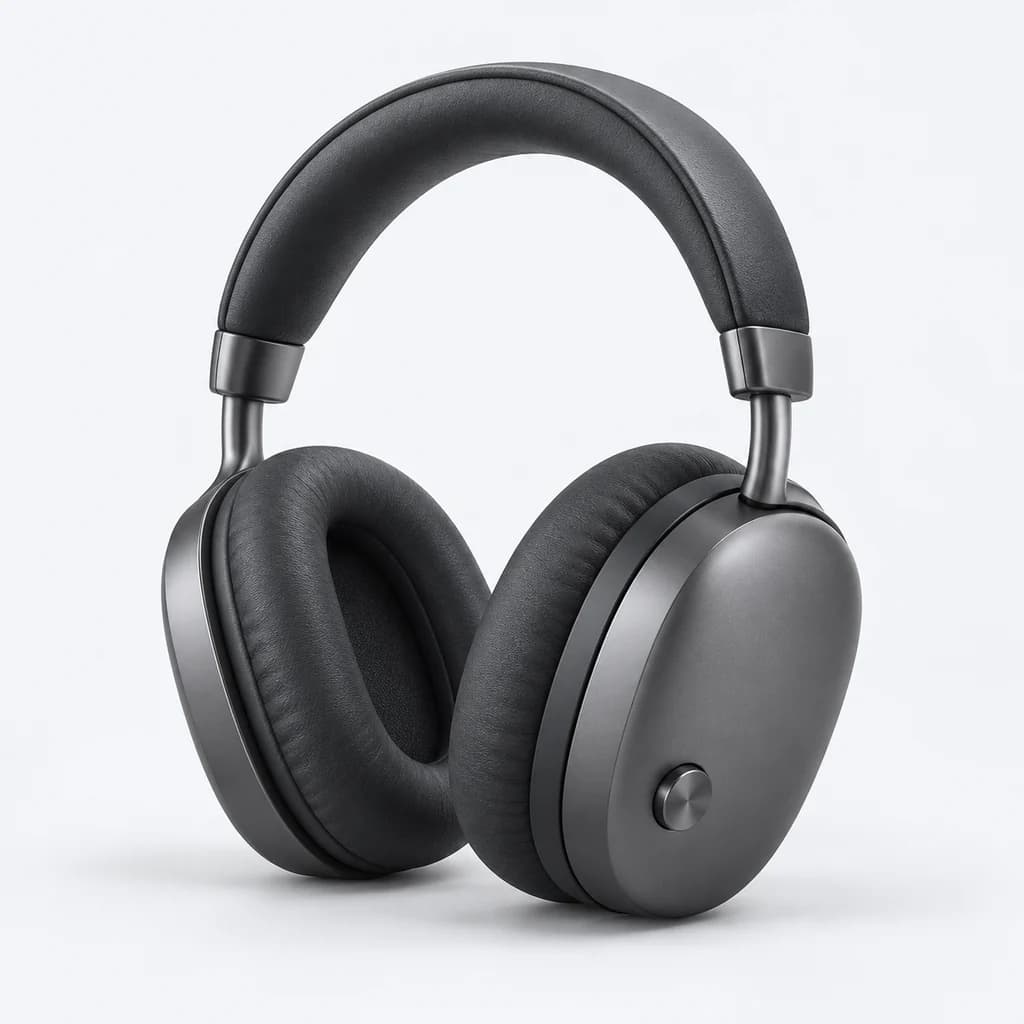
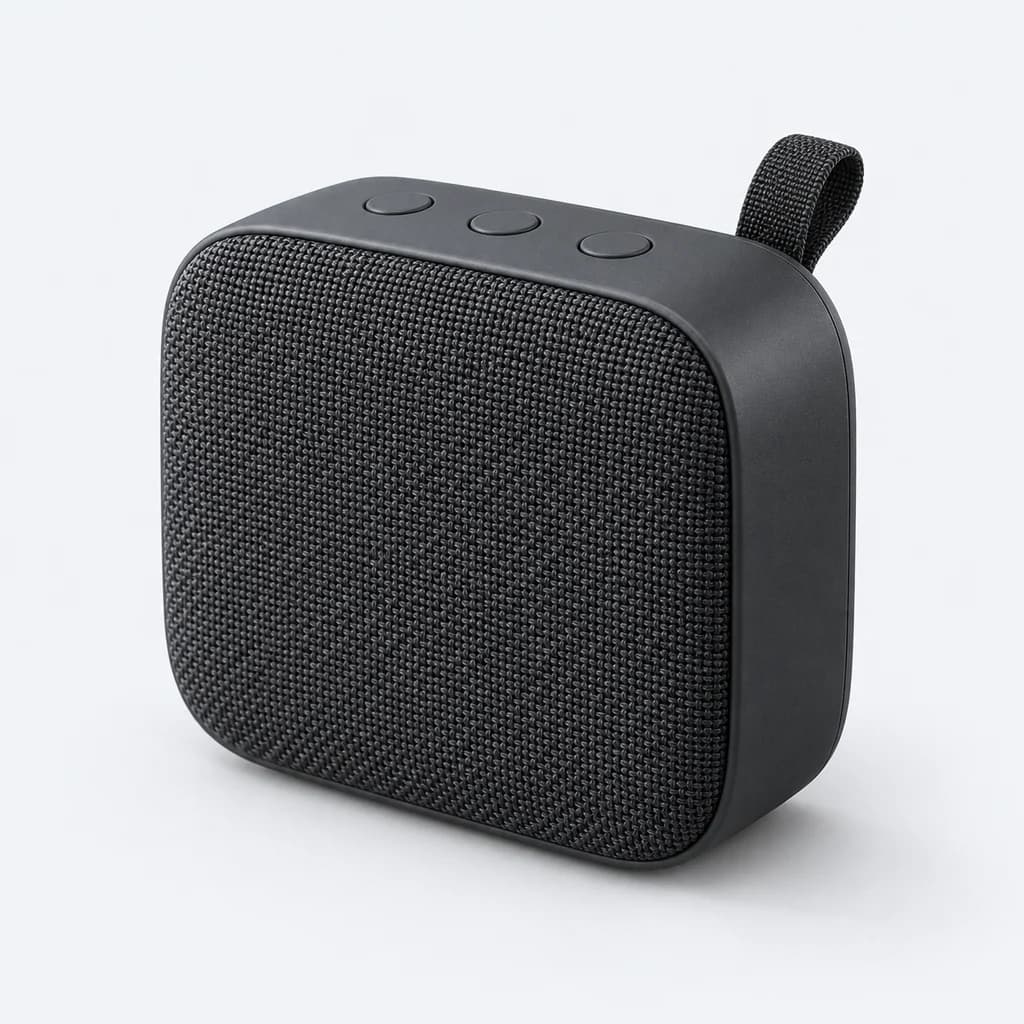
From headphones to desk essentials. Help shoppers compare the specifications that matter.
Build search and filters around your products, variants and metafields. Shape the experience, preview your changes and publish when you’re ready.
Explore the demo freely. Email us to discuss private preview access.
12 products
Choose a step, or try your own search and filters.
A preview of 12 real products, captured 2026-10-17. This example runs in your browser; it is not live inventory or a production AI or speed benchmark. View source storefront (a password may be required).
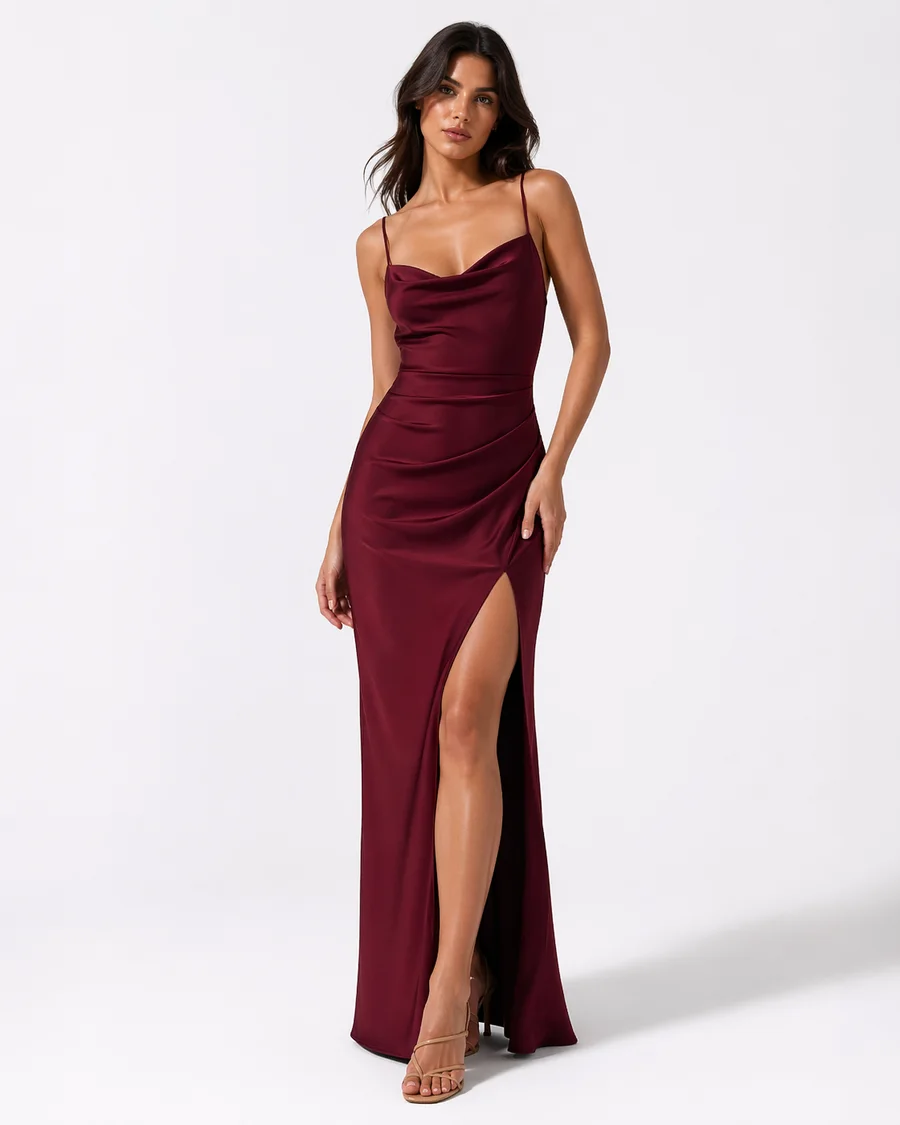
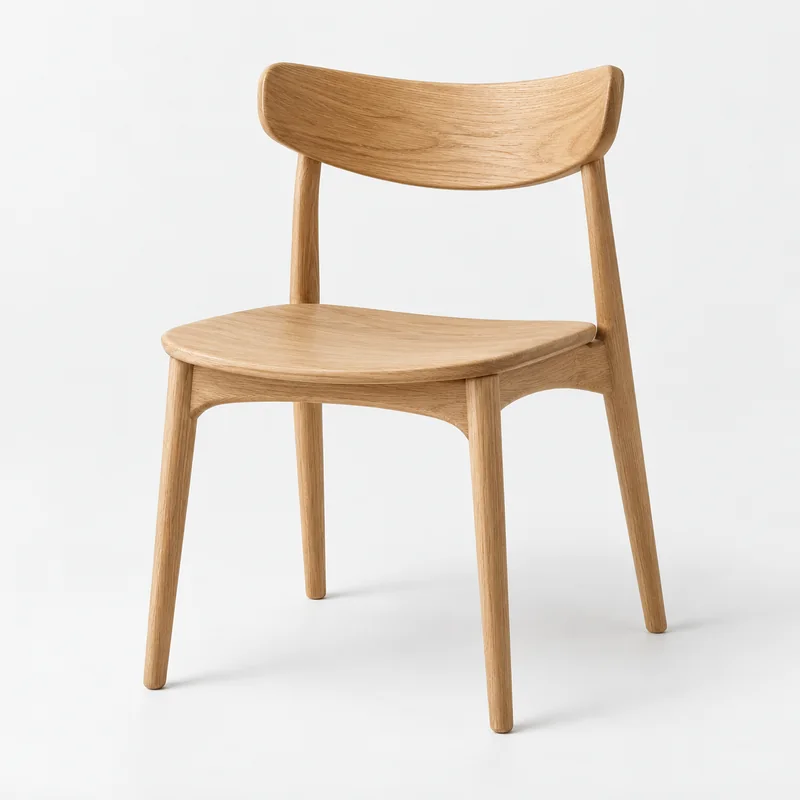

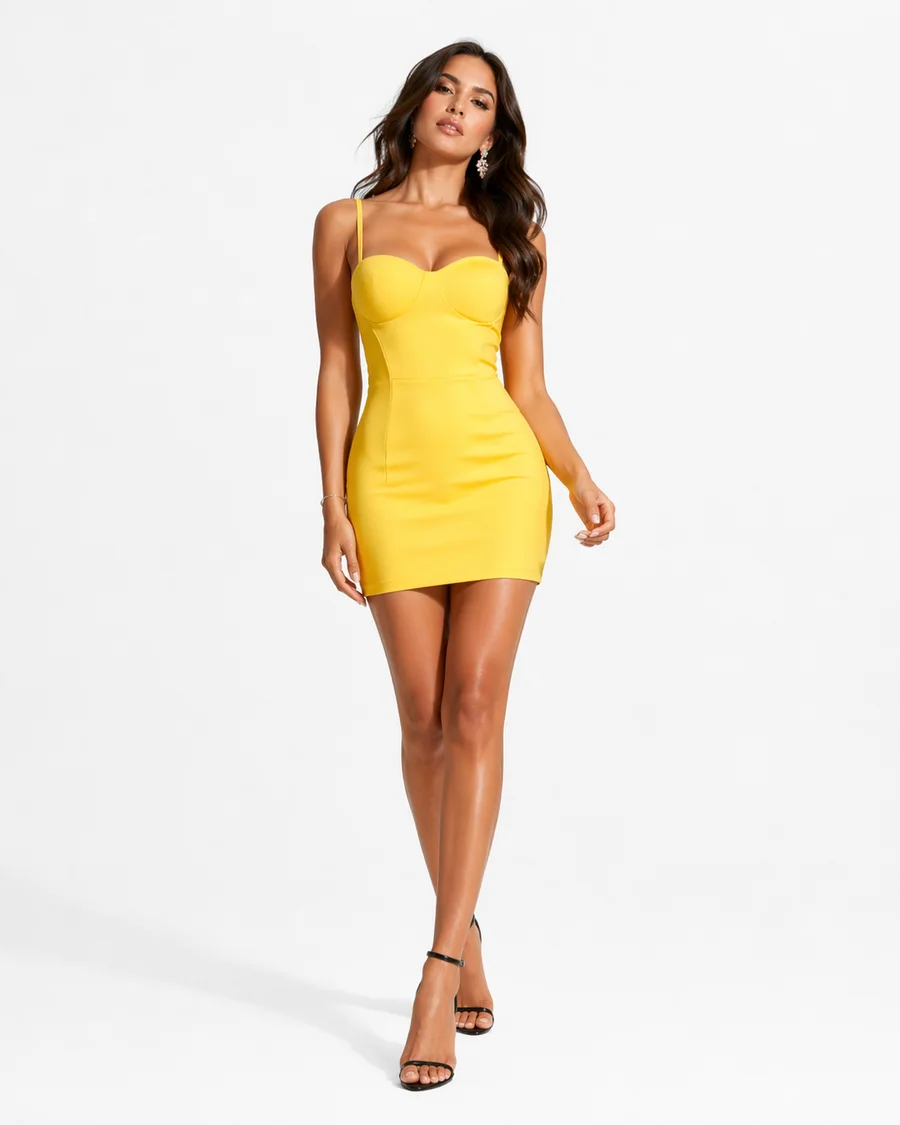

Real fashion demo products alongside illustrative industry catalogues. Explore the filters in each demo.

Bring product fields, variant options and configured metafields into the way shoppers browse your catalogue.
Explore this stepChoose clear labels, review suggested groups and order the values around the details your customers look for.
Explore this stepCheck the configuration and storefront experience before publishing. Keep the version and rollback guidance close to hand.
Explore this stepFrom search and filters to catalogue insights, explore the tools that shape a discovery experience on Shopify.
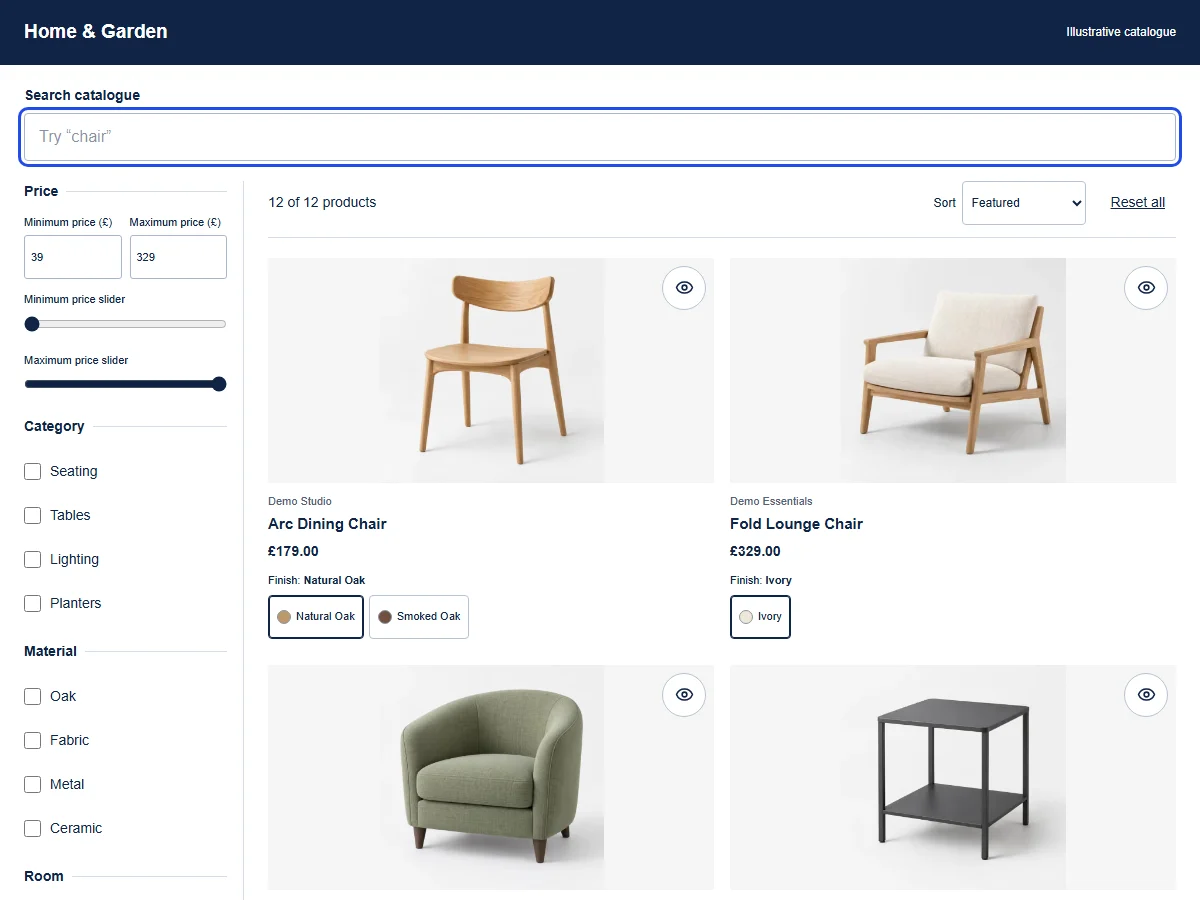
Explore the productSearch your catalogue, then narrow the results with configured filters.
Explore four working catalogues. Each brings different product details into focus, with filters you can try for yourself.
From headphones to desk essentials. Help shoppers compare the specifications that matter.
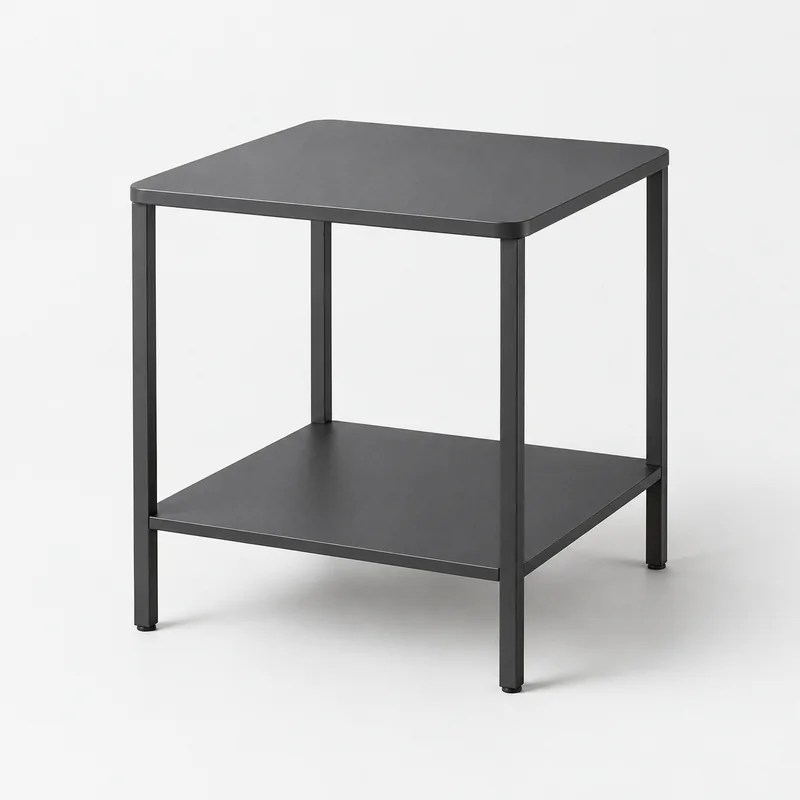
The right material. The right room. Bring considered choices to furniture and homeware.

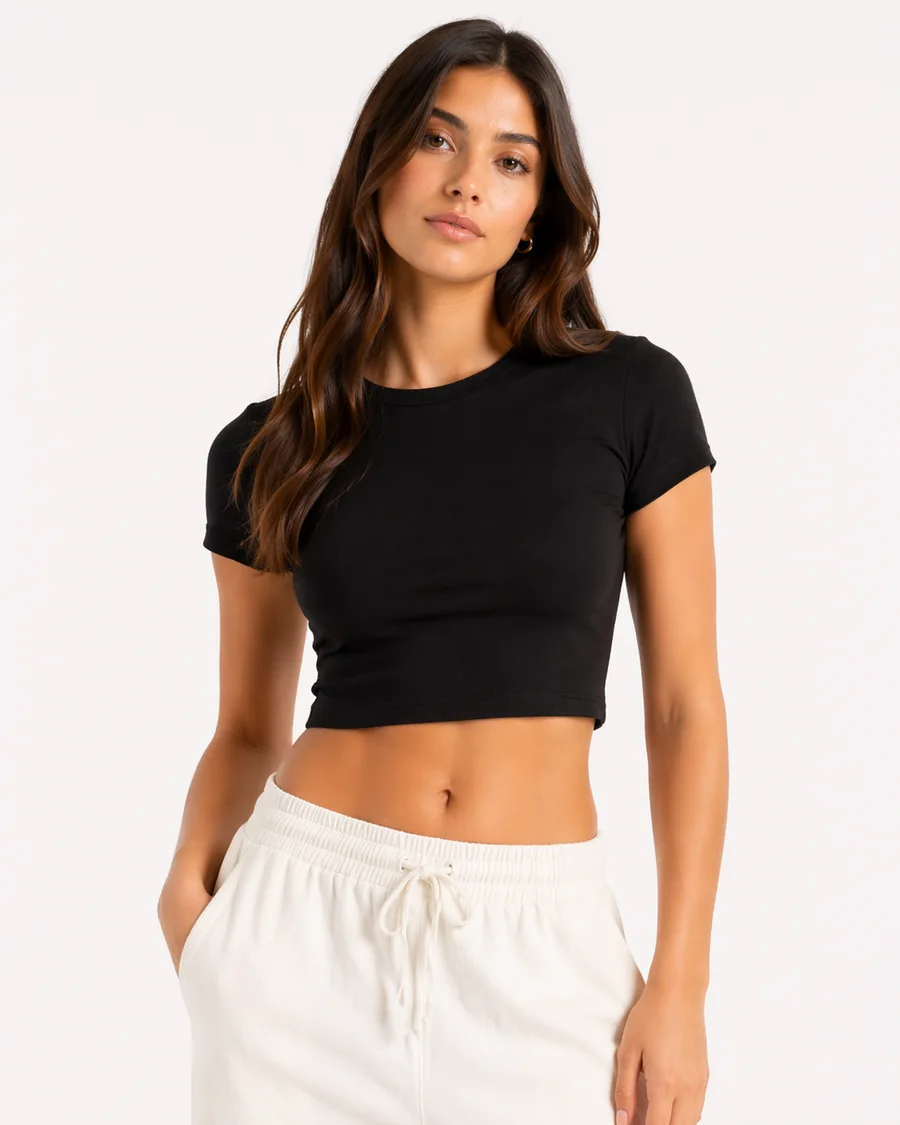
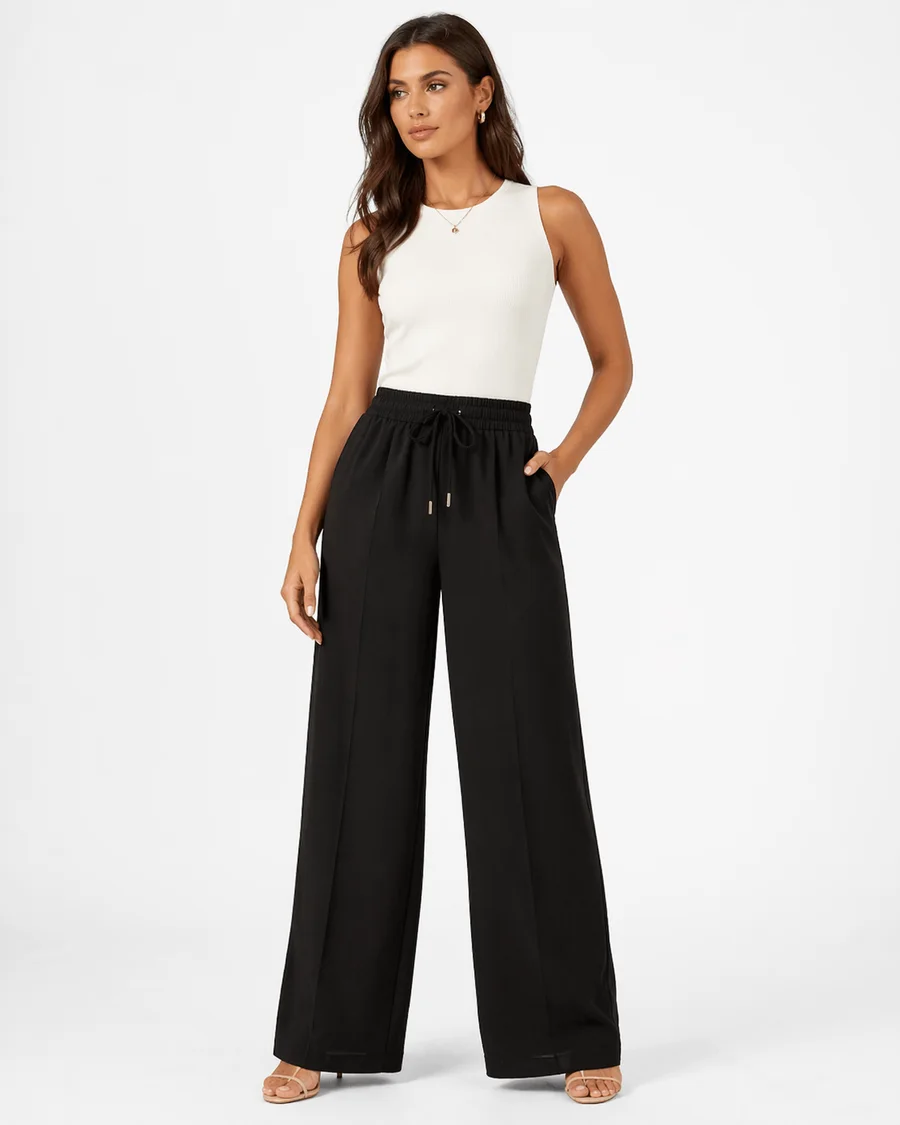
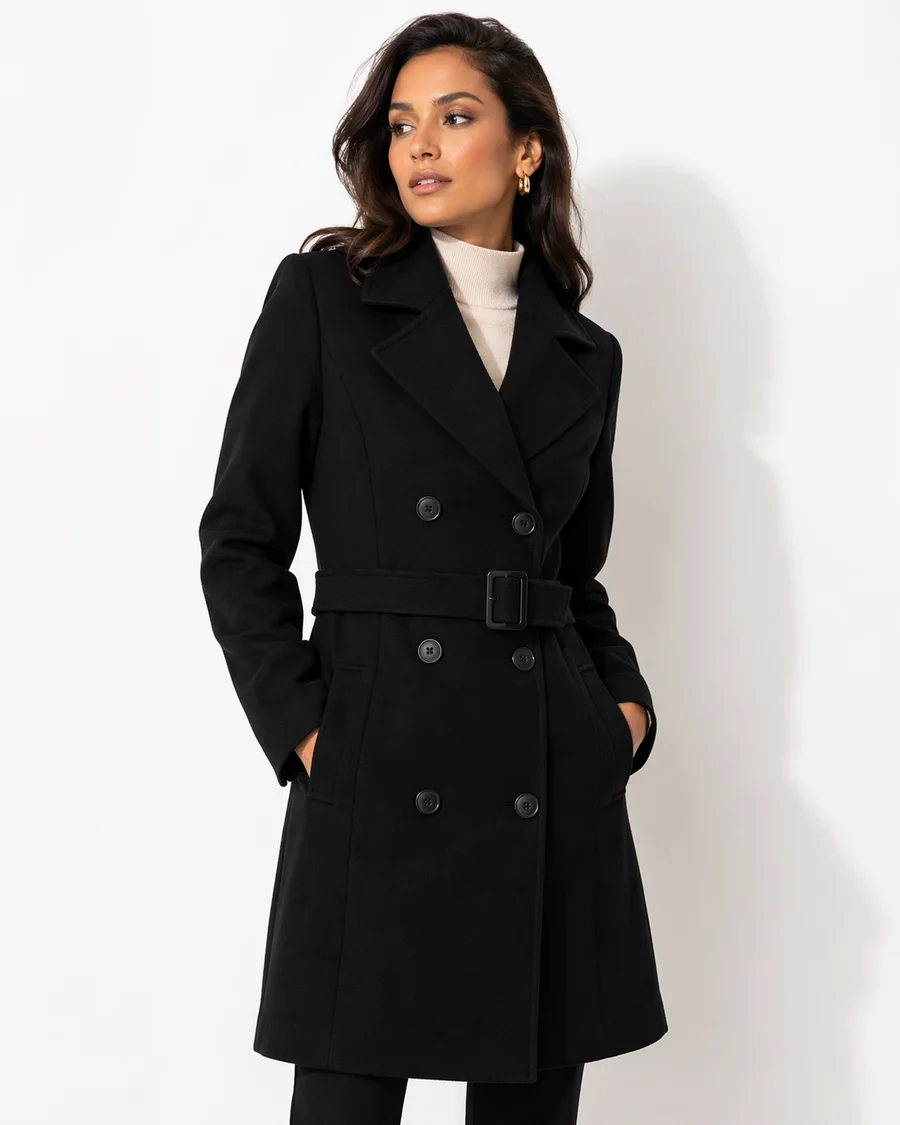
A colour they love. A size that fits. Let shoppers explore the details of your collection.
Make a varied range easier to explore, using the attributes recorded in your catalogue.
Fashion uses real demo-store products. The other catalogues use illustrative products and photography.
Follow the path from catalogue data to filter configuration, publishing and rollback.
Read the setup guidesReview your theme version, app placement and mobile interactions before going live.
Explore theme guidanceCompatibility depends on your theme version and customisations.
See a complete price-filter result from FilterIQ's on-site catalogue preview, then try the controls yourself.
In this capture, a £30–£80 price range narrows our 12-product catalogue to six products. The price fields, slider and matching grid stay together.
See how catalogue fields become filter options.
Read the configuration guideAdjust the price range yourself in our 12-product catalogue preview.
Open the interactive catalogueReview theme checks, publication and version restore before changing your storefront.
Read publishing & rollbackThis is a captured result from our on-site demo. The guides explain the setup; the capture does not show an admin change or publication.
Setting a £30–£80 price range narrows the on-site 12-product catalogue to six products.
On-site 12-product catalogue preview; the scrollable result pane was expanded for this still to show all six matches. Prices and availability are a captured sample. · Captured 2026-10-21. Open interactive demo
Open full-size capture by selecting the image. Open original fileTry the catalogue demos, explore the setup guides and check private preview availability for your Shopify store.