
Make similar products easier to distinguish.
Shopify search and filters for electronics. Try a working example with connection, brand and price choices, then map the specifications in your own catalogue.
FilterIQ for Shopify · Electronics & tech · Private preview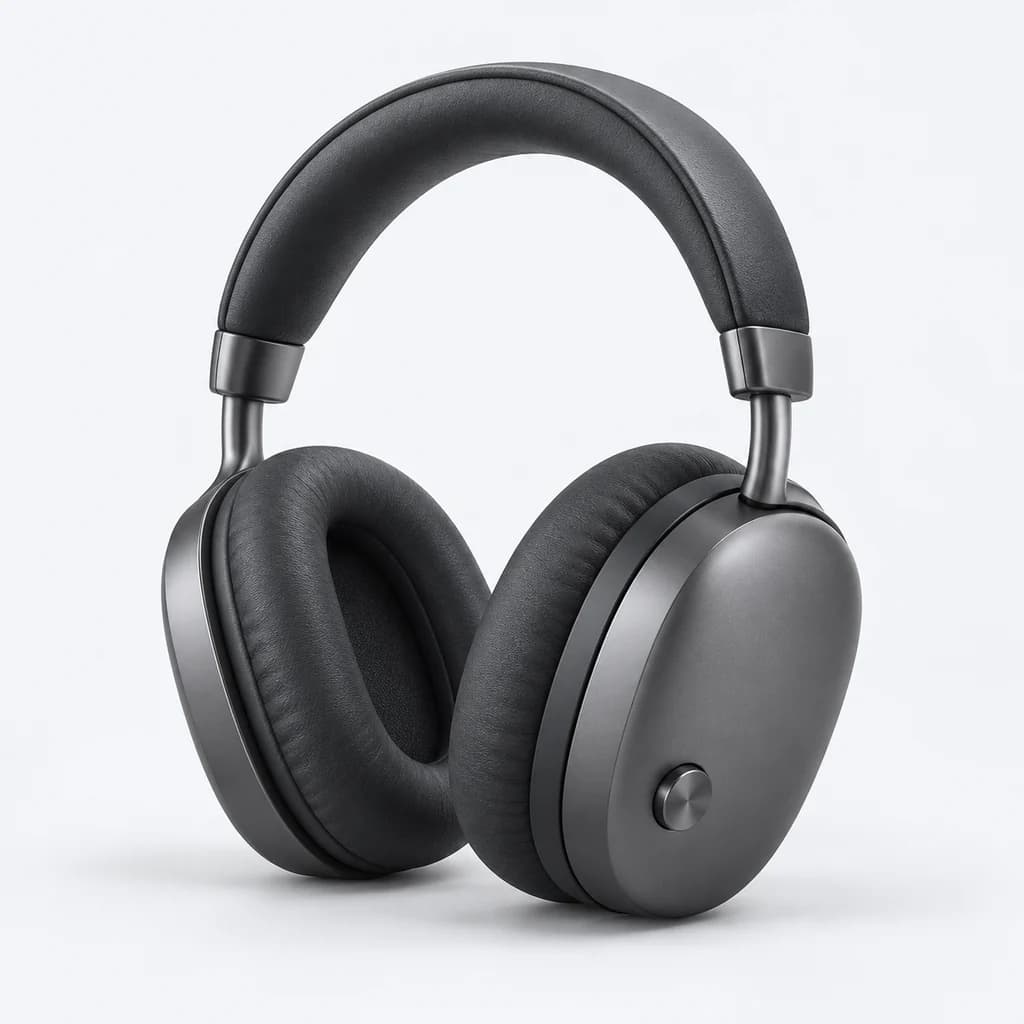
A catalogue you can explore.
Try “headphones”, narrow the price range and explore the product options. Open quick view to see the selected option and its details.
The products are available to read. Interactive controls become available when JavaScript loads.
Demo Studio
Studio Over-Ear Headphones
£149.00
Demo Audio
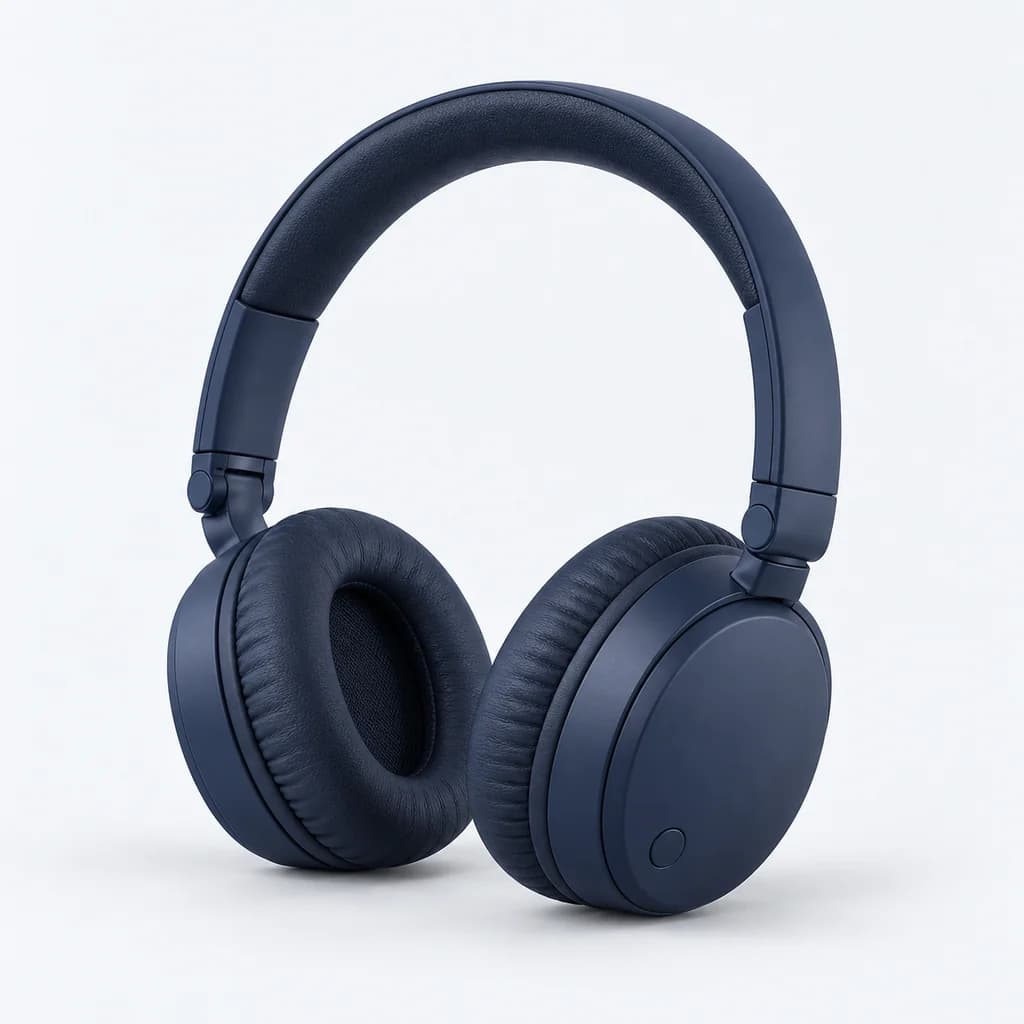
Travel Headphones
£89.00
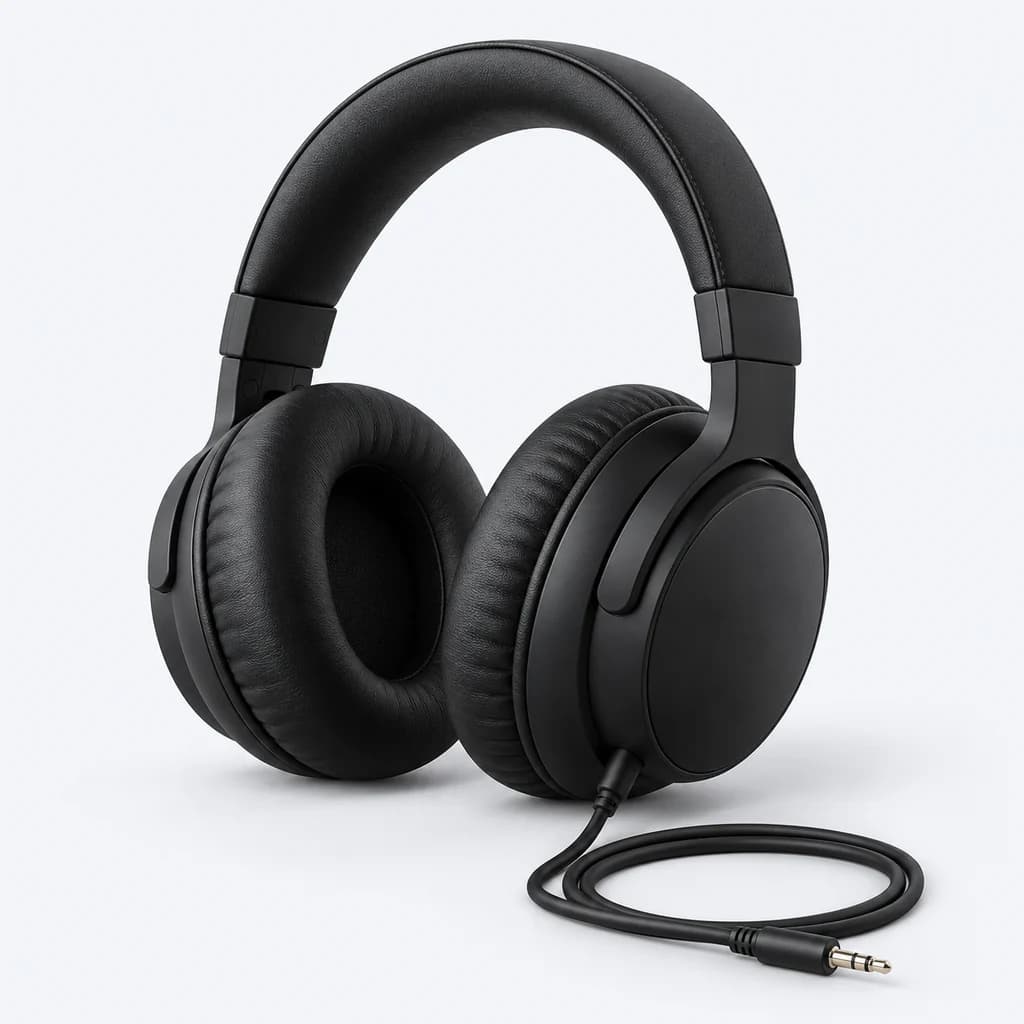
Demo Essentials
Wired Monitor Headphones
£59.00
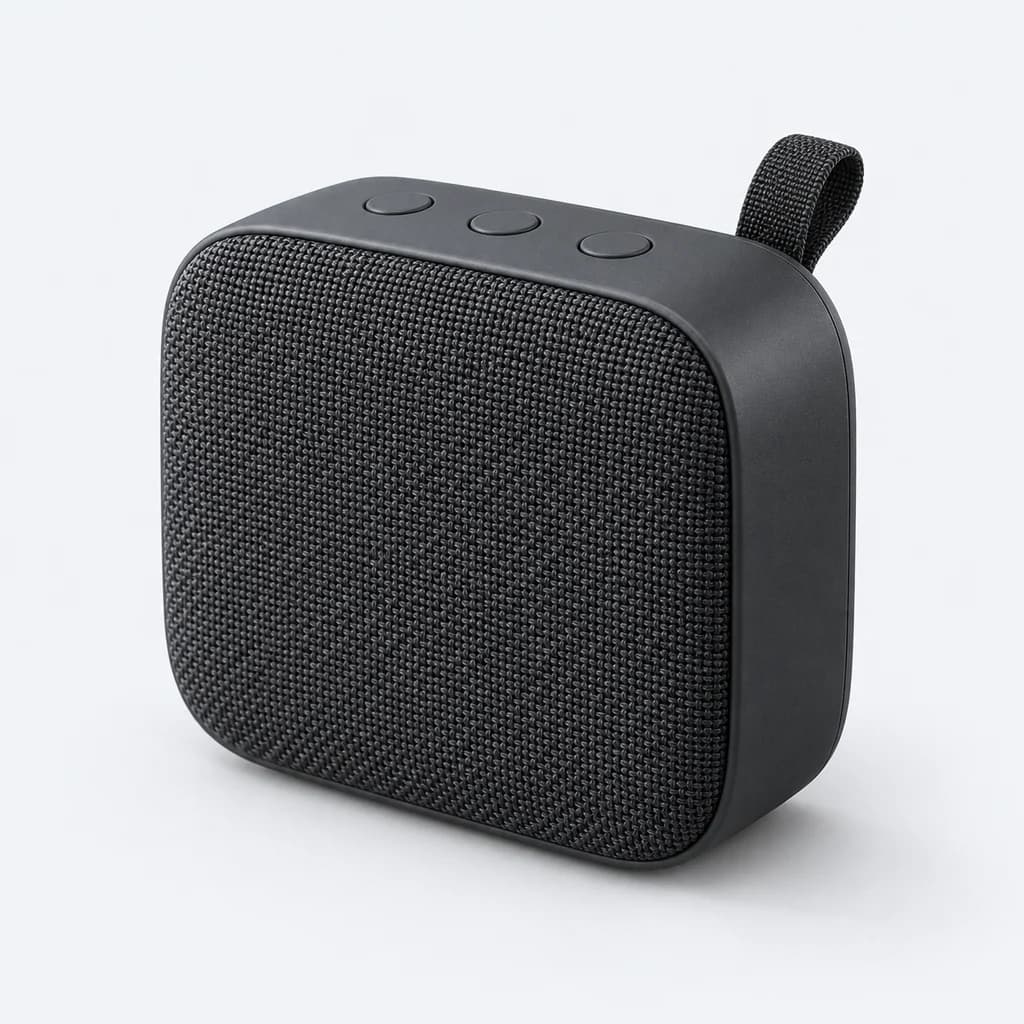
Demo Audio
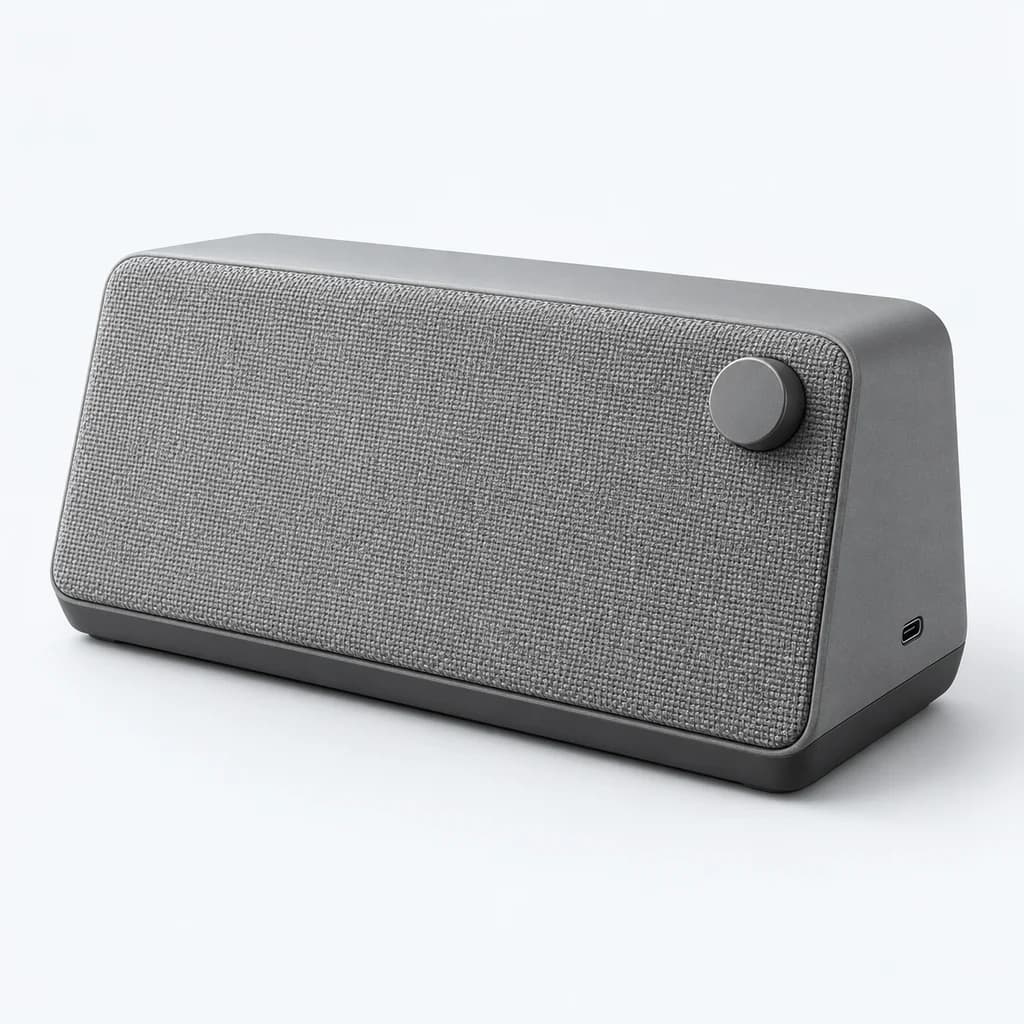
Pocket Speaker
£39.00
Demo Studio
Desk Speaker
£79.00
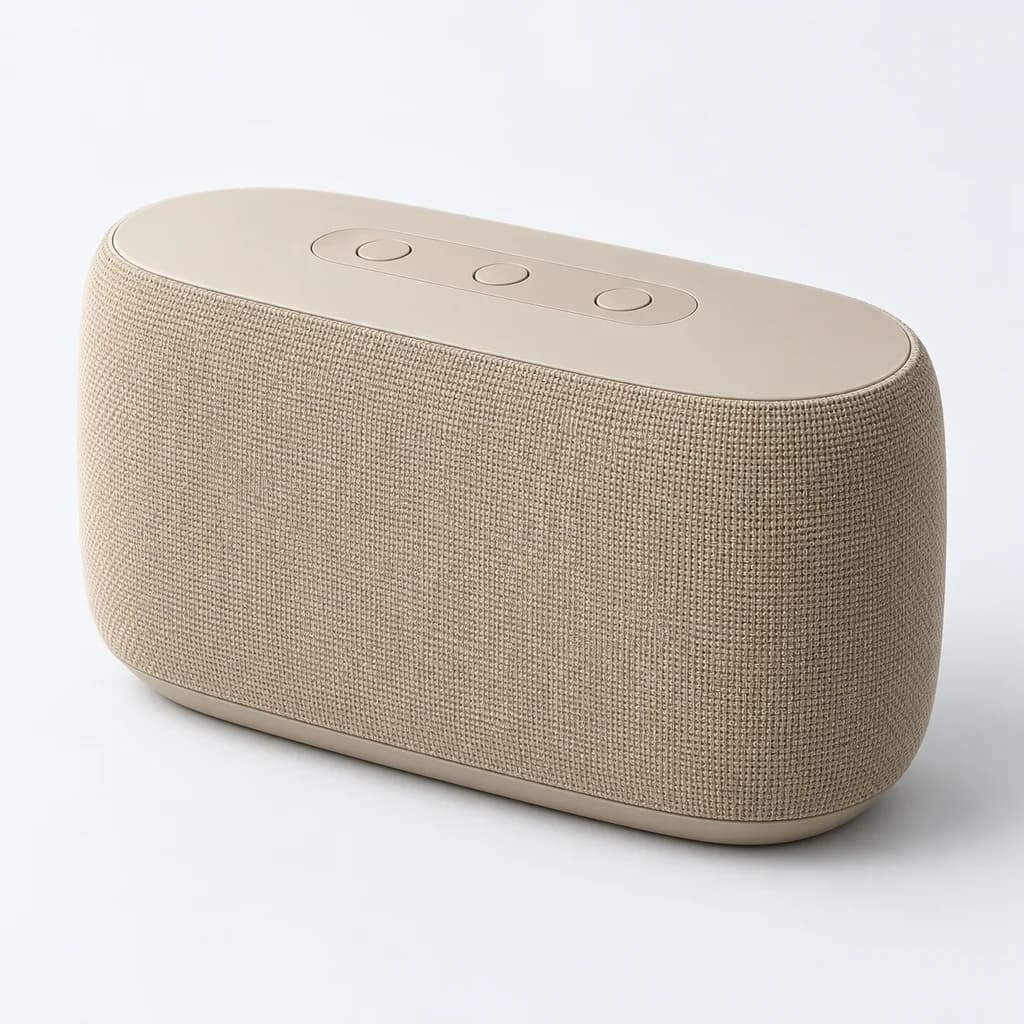
Demo Audio
Room Speaker
£129.00
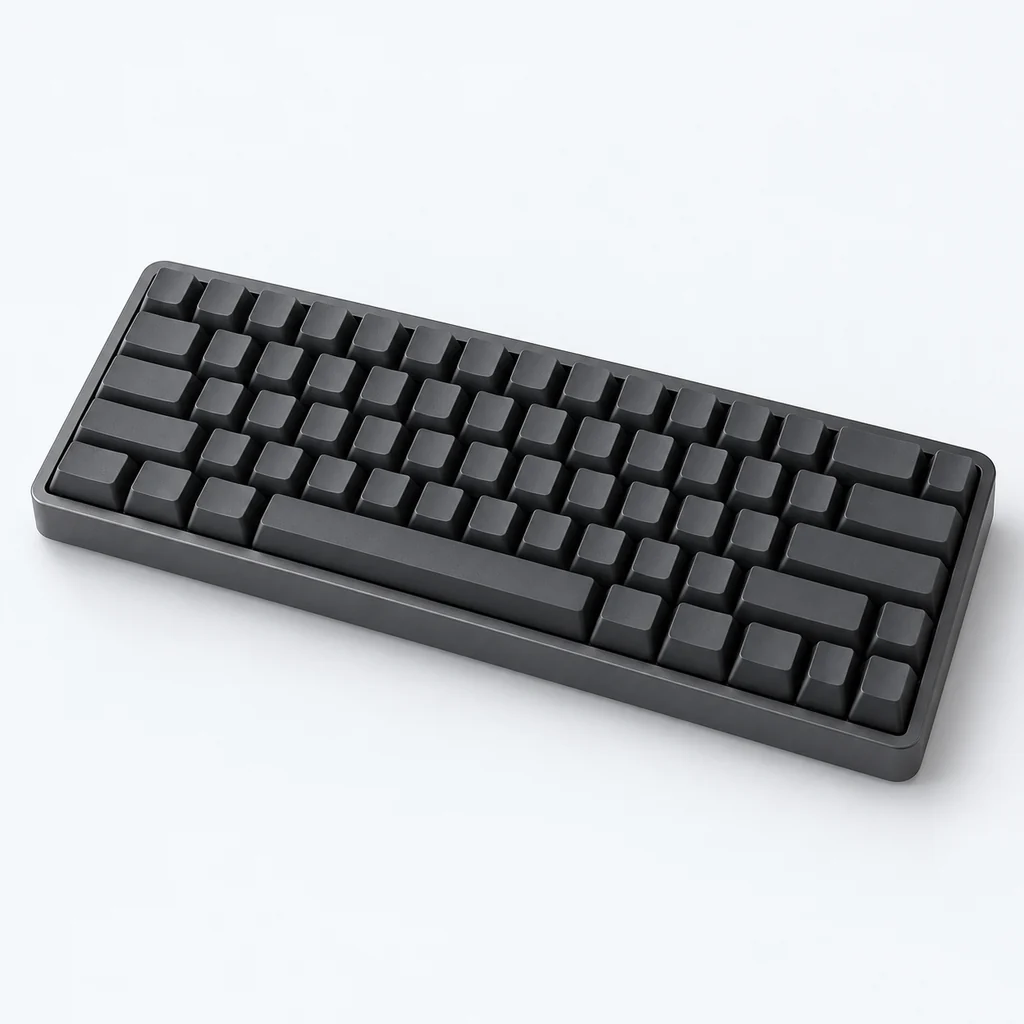
Demo Studio
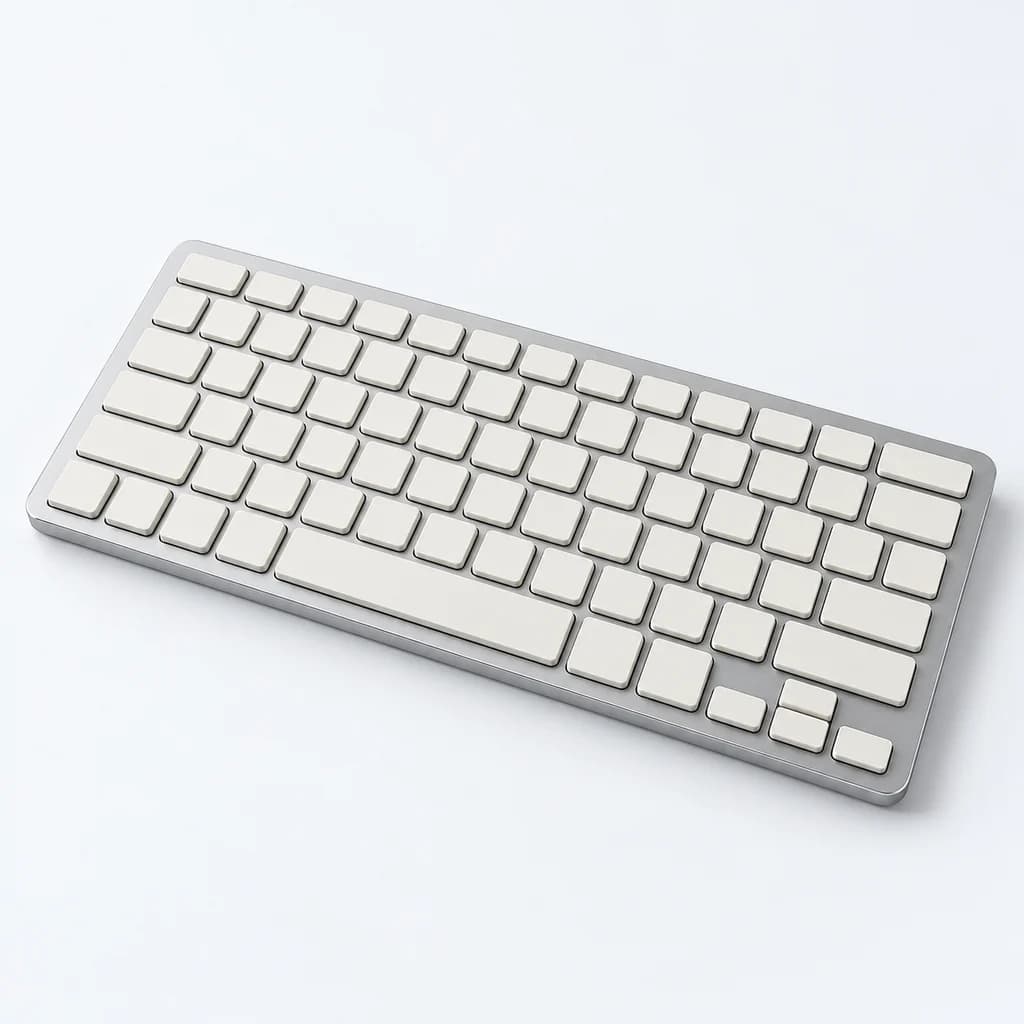
Compact Keyboard
£69.00
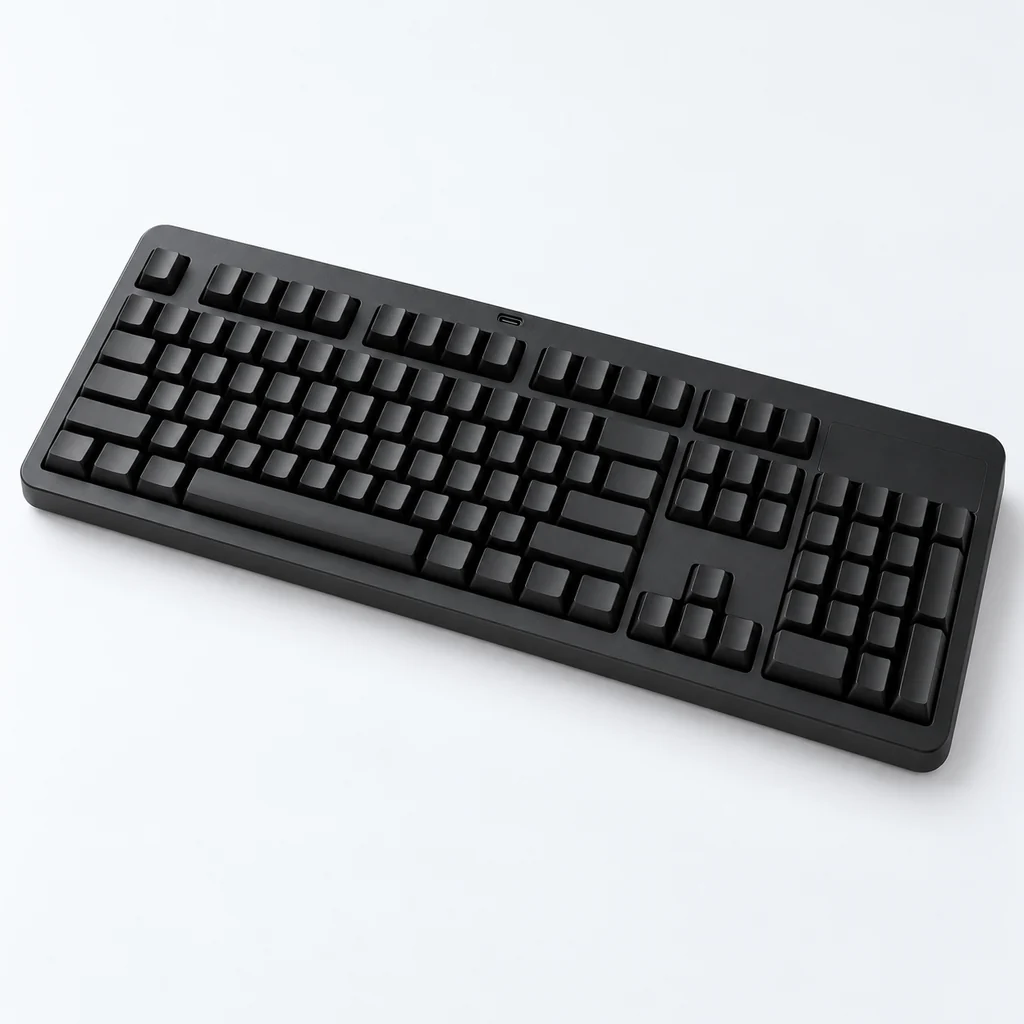
Demo Essentials
Full-Size Keyboard
£49.00
Demo Studio
Slim Keyboard
£59.00
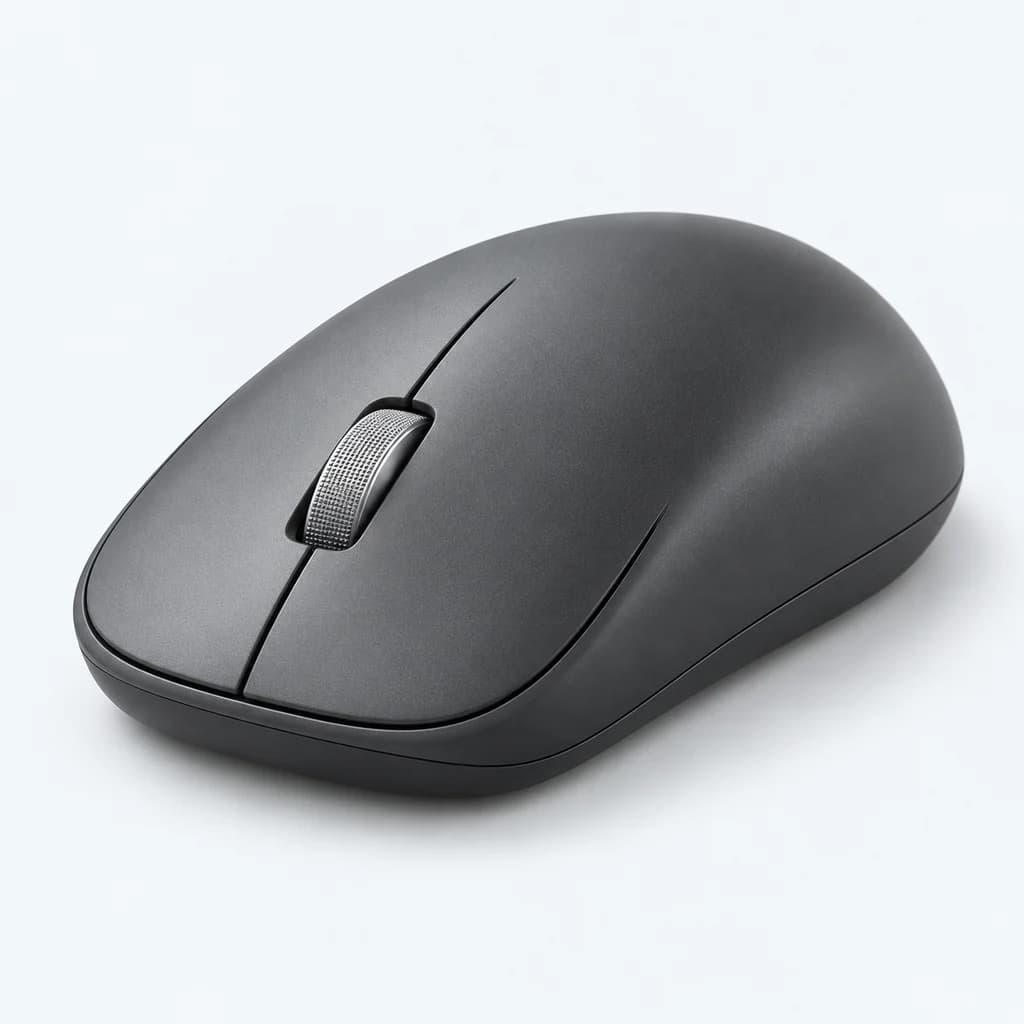
Demo Studio
Precision Mouse
£49.00
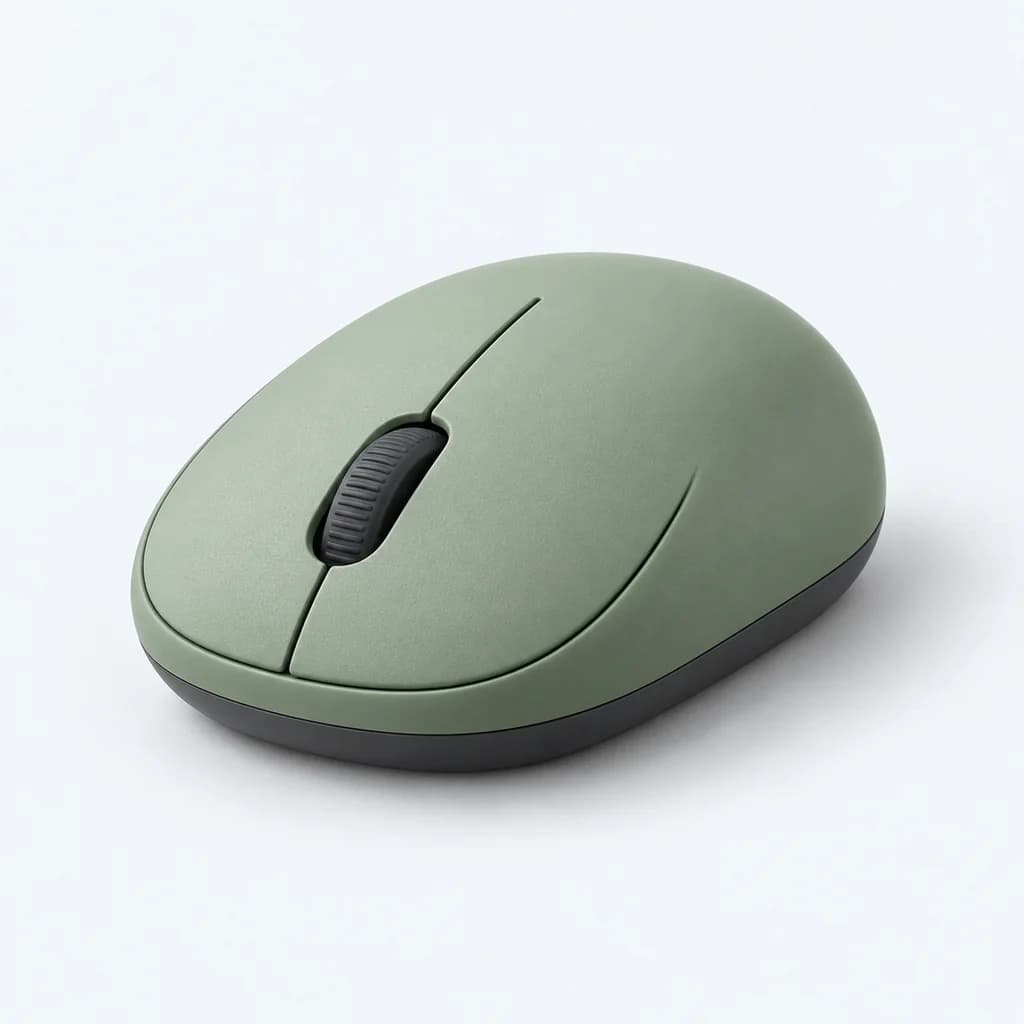
Demo Essentials
Travel Mouse
£29.00
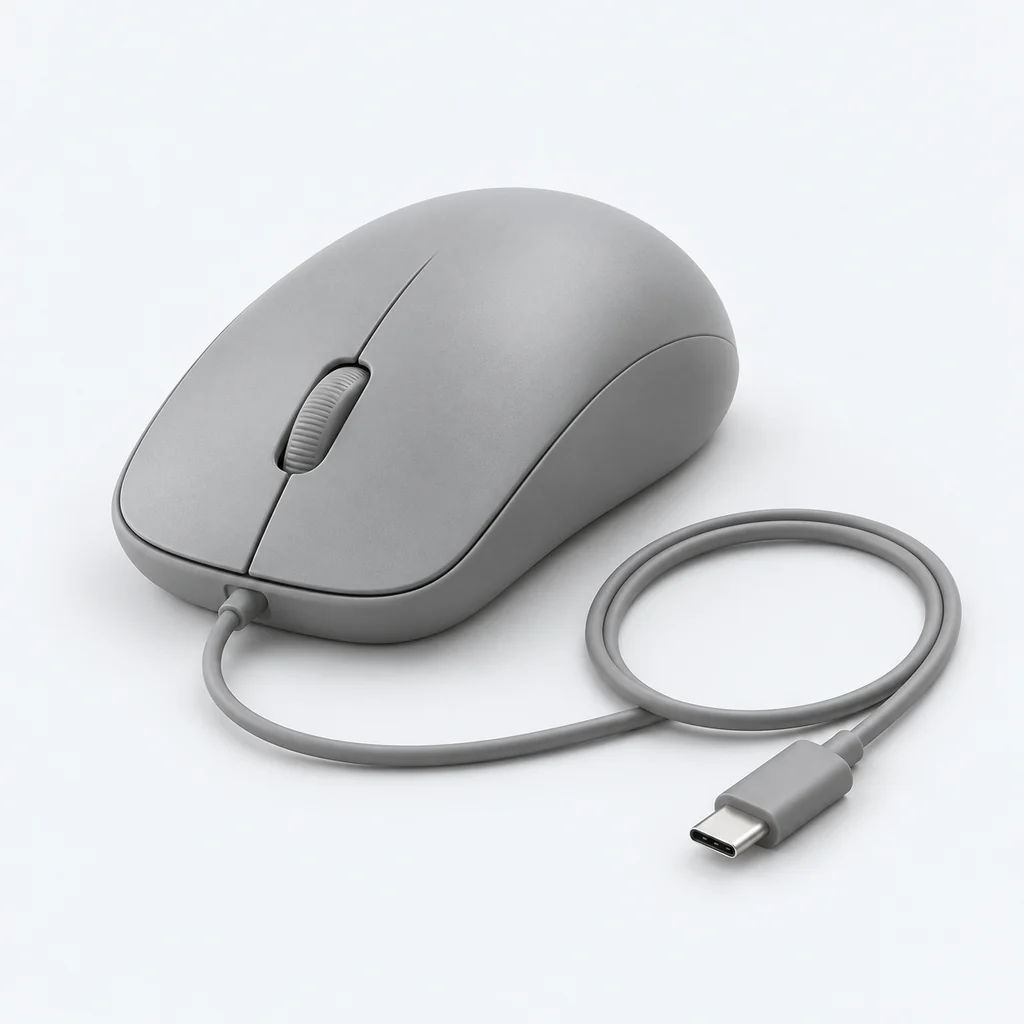
Demo Essentials
Quiet Mouse
£24.00
Illustrative products, brands, prices and photography. Choices match recorded fields in this browser; no live store connection or checkout.
Keep specifications attached to their source.
Model names and technical specifications can vary between suppliers. Begin with reliable product titles and brands; add specification filters only after checking their mapping and coverage.
Explore catalogue intelligence| Attribute | Catalogue source | Review before publishing |
|---|---|---|
| Brand | Product vendor or mapped brand field | Keep brand and model names separate. |
| Category | Product type or collection | Scope technical choices to relevant product types. |
| Price | Recorded product price | Test exact budget limits against matching products. |
| Technical specifications | Supported metafields, if configured | Normalise units and distinguish missing from zero values. |
A matching attribute does not prove compatibility.
Connectivity, storage and dimensions need explicit catalogue data and a supported filter path. Check compatibility information on the source product; neither a search term nor a missing field establishes that two devices work together.
Check the complete journey.
Confirm catalogue sync, review labels and values, then test on your Shopify theme. Include combinations with no results and a clear route back. Review mobile controls and the products behind every match.
Evaluate FilterIQ with your catalogue.
Review preview availability, feature guidance and billing terms before planning setup. Contact the team about your catalogue and requirements.