
Make a detailed range easier to explore.
Shopify search and filters for beauty and skincare. Try brand, category and price choices in an illustrative catalogue, using recorded product attributes.
FilterIQ for Shopify · Beauty & skincare · Private preview
A catalogue you can explore.
Try “cleanser”, narrow the price range and explore the product options. Open quick view to see the selected option and its details.
The products are available to read. Interactive controls become available when JavaScript loads.
Demo Studio
Daily Gel Cleanser
£12.00
Demo Essentials
Soft Cream Cleanser
£14.00
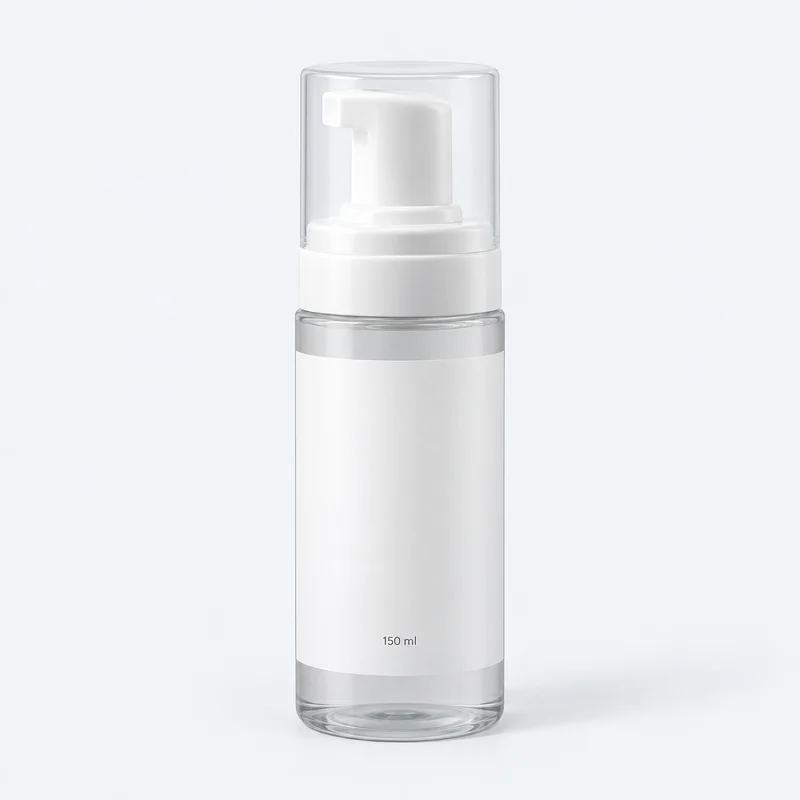
Demo Lab
Cloud Foam Cleanser
£16.00
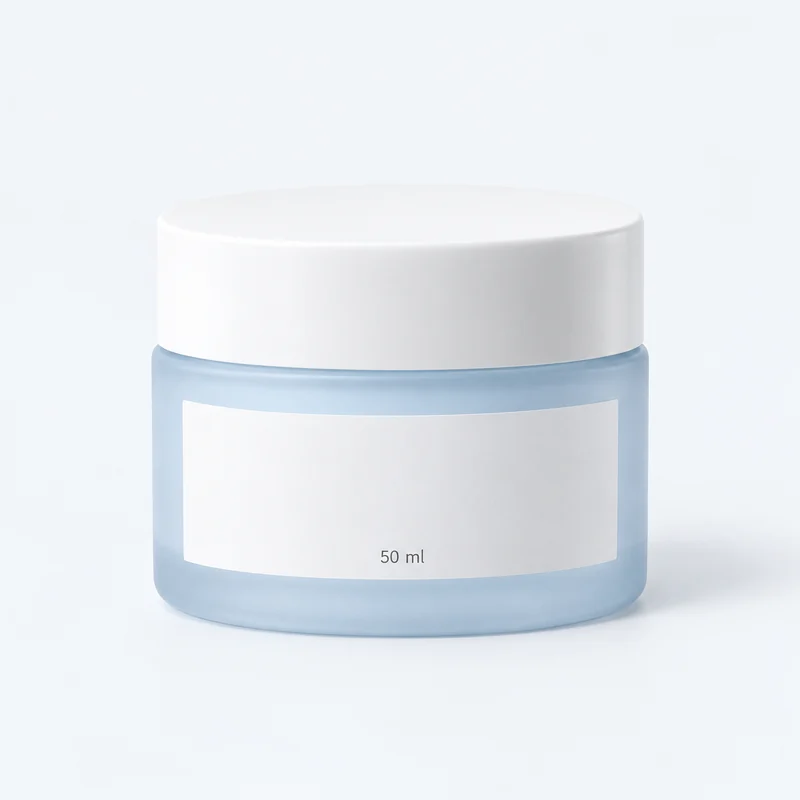
Demo Studio
Daily Face Cream
£18.00
Demo Lab
Light Gel Moisturiser
£22.00
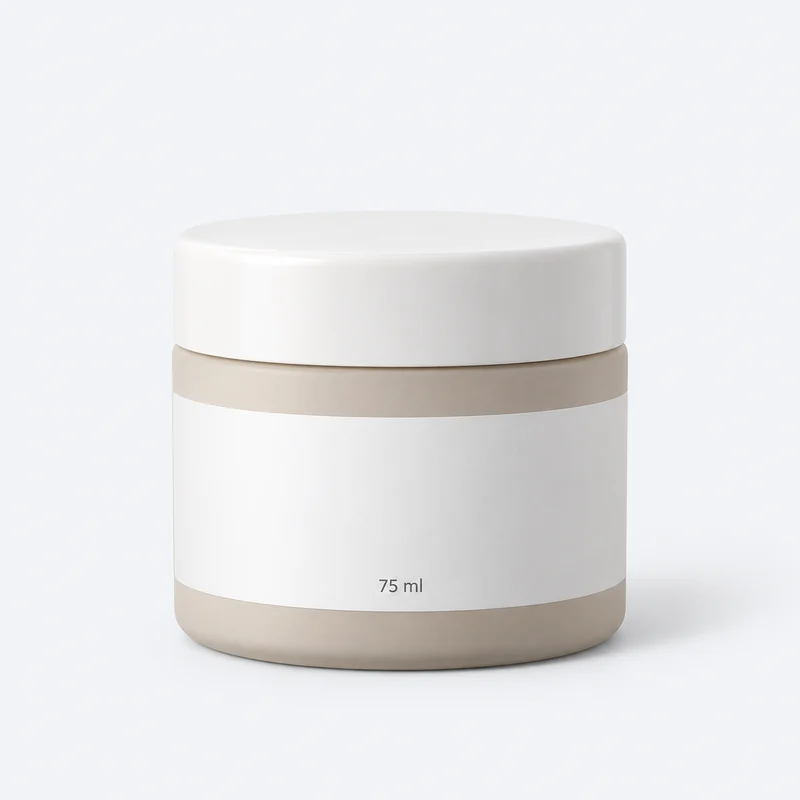
Demo Essentials
Rich Face Cream
£24.00
Unavailable in this example
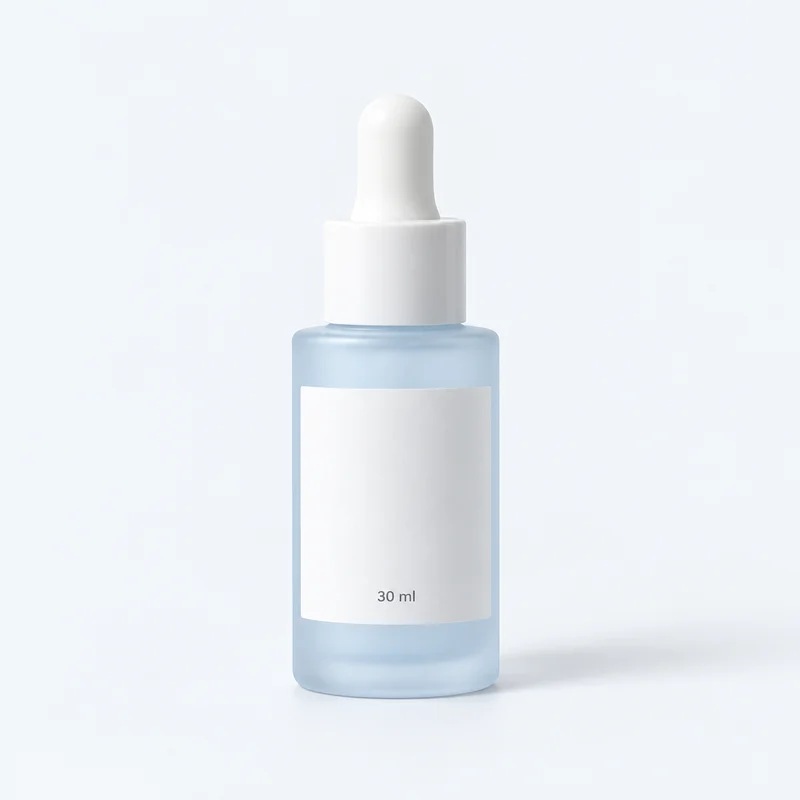
Demo Lab
Dew Face Serum
£24.00

Demo Studio
Evening Face Oil
£26.00
Demo Essentials
Water Face Essence
£20.00
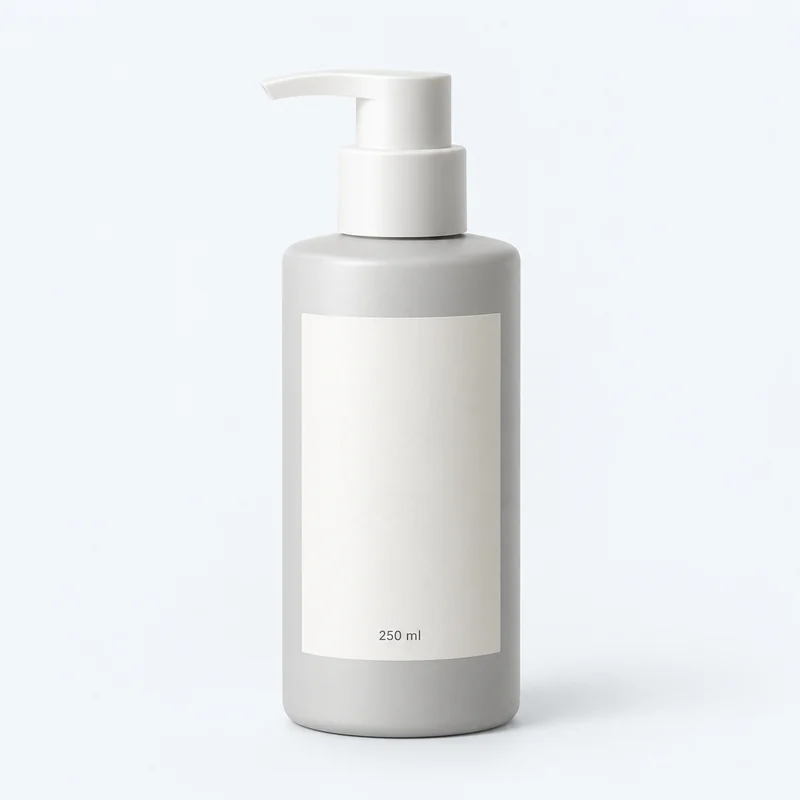
Demo Essentials
Daily Body Wash
£14.00
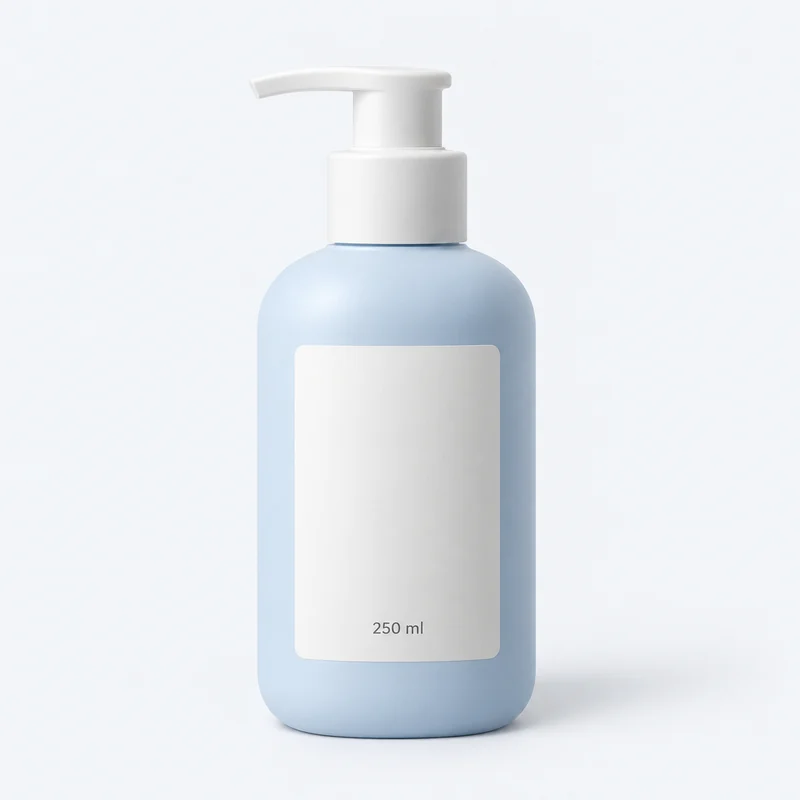
Demo Studio
Body Lotion
£18.00
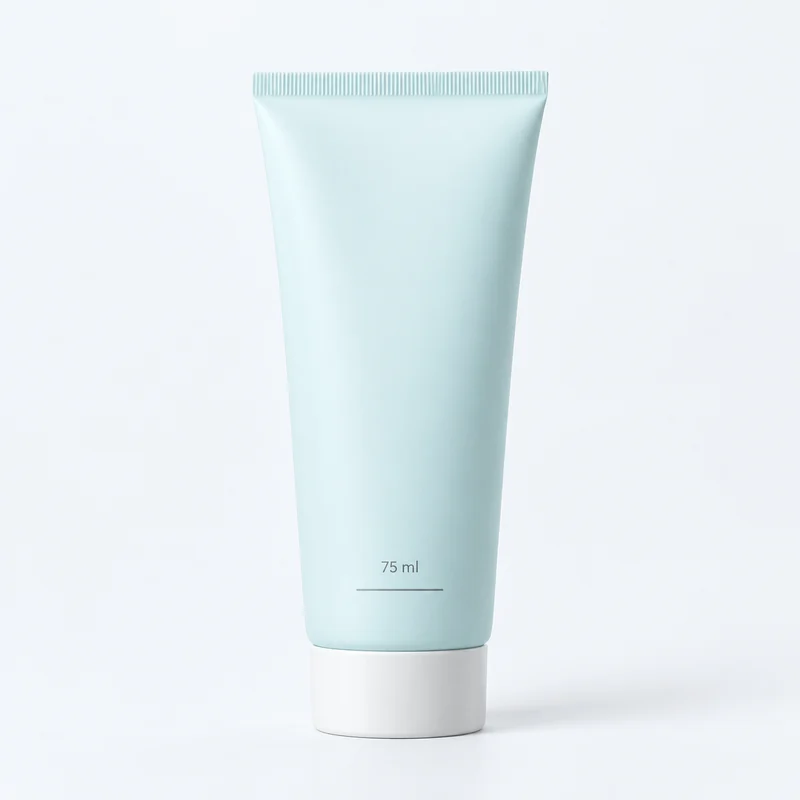
Demo Lab
Hand Cream
£10.00
Illustrative products, brands, prices and photography. Choices match recorded fields in this browser; no live store connection or checkout.
Useful browsing starts with dependable product information.
A beauty catalogue can contain similar-looking products with very different descriptions. Make brand and product category clear, and review the source behind every additional attribute.
Explore catalogue intelligence| Attribute | Catalogue source | Review before publishing |
|---|---|---|
| Brand | Product vendor or mapped brand field | Use consistent brand names across the catalogue. |
| Category | Product type or collection | Keep cleanser, moisturiser and other categories distinct. |
| Price | Recorded product price | Check the currency and selected price range. |
| Additional product claims | Supported catalogue fields, if configured | Verify source labels and missing values before adding choices. |
Filters describe recorded data.
Product suitability cannot be established by a search result. Missing ingredient data does not mean an ingredient is absent. Keep source product information available and verify any additional field mapping during setup.
Check the complete journey.
Confirm catalogue sync, review labels and values, then test on your Shopify theme. Include combinations with no results and a clear route back. Review mobile controls and the products behind every match.
Evaluate FilterIQ with your catalogue.
Review preview availability, feature guidance and billing terms before planning setup. Contact the team about your catalogue and requirements.