FilterIQRequest access
Menu

Product discovery, shaped by your team.

Bring catalogue insights, search, filters and merchant controls into your Shopify workflow. Understand the data, review the configuration and check what shoppers see.

Software for Shopify teams · Private preview
Catalogue reviewIllustrative interface

Source · Material option

Cotton
100% Cotton
LinenSeparate

Suggested grouping

Cotton2 values

Material variation. Check that the products belong together.

Merchant review required
Illustrative workflow using sample data. Configuration and availability depend on your store.

From catalogue data to considered discovery.

  1. Discover attributes

    Review options, vendors, types, collections and supported metafield sources already present in your catalogue.

  2. Review suggestions

    Evaluate grouping proposals and AI-assisted filter drafts. Your product knowledge belongs in the decision.

  3. Configure discovery

    Choose labels, presentation and rules. Preview the search and filter experience before publication.

Search

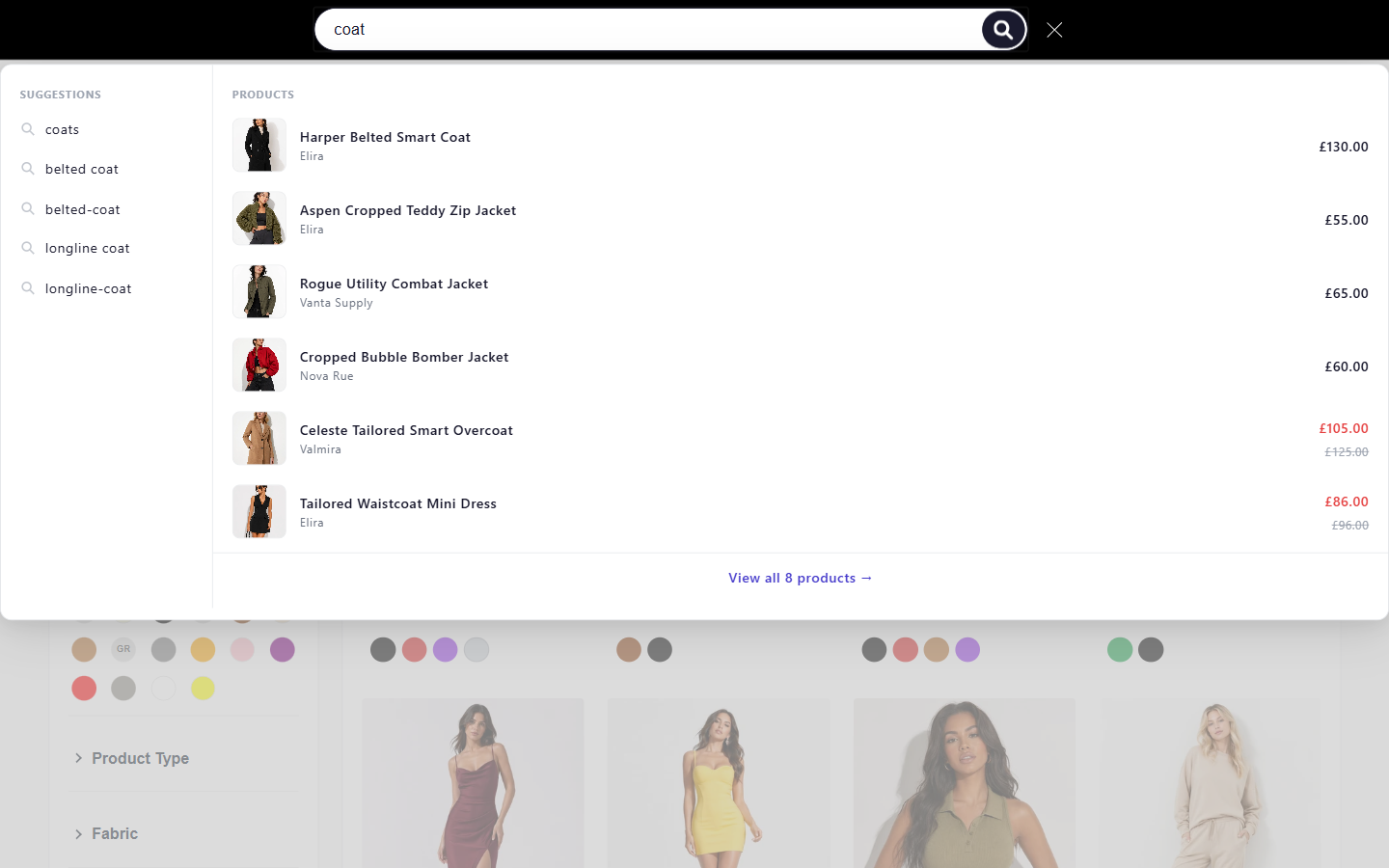
Give shoppers a way into your catalogue, then let them refine the results with the filters your team has configured.

Explore search
Search configurationIllustrative interface

Search vocabulary

Querychair
Synonym draftseat
StatusReview

Shopper choices

Searchchair
☑ OakSelected
☐ Metal
PriceChosen separately
Illustrative workflow using sample data. Configuration and availability depend on your store.

Filters

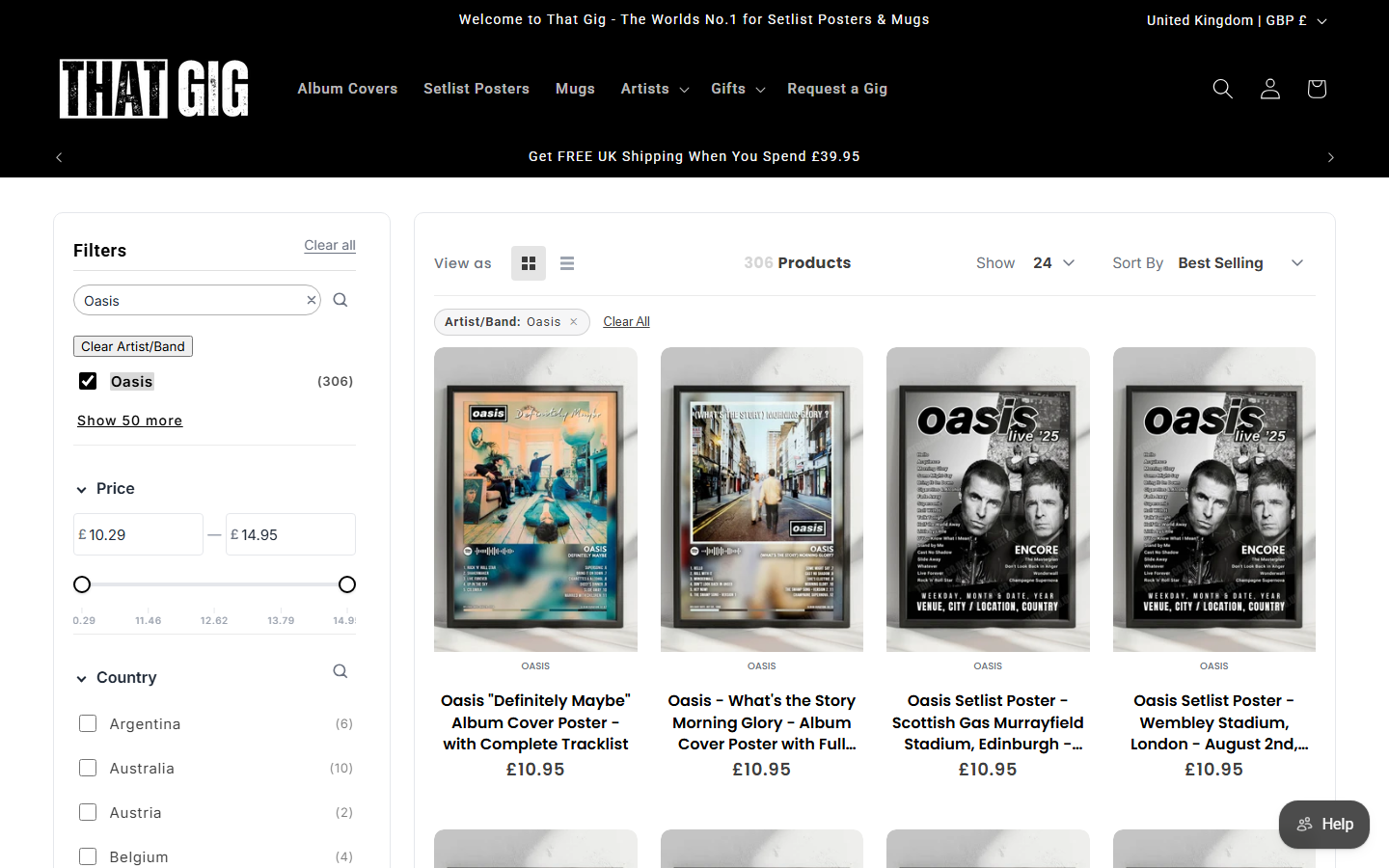
Choose the attributes shoppers can use, how they are labelled and where they appear. Start with your catalogue, then review the experience on your theme.

Explore filters
Filter configurationIllustrative interface

Merchant settings

Sourceoptions.Material
LabelMaterial
DisplayCheckbox list

Shopper choices

Searchchair
☑ OakSelected
☐ Metal
PriceChosen separately
Illustrative workflow using sample data. Configuration and availability depend on your store.

Catalogue intelligence & AI setup

Discover catalogue attributes, review grouping suggestions and use AI assistance to draft a filter configuration. Each step has a different job.

Explore catalogue intelligence and AI setup
Catalogue reviewIllustrative interface

Source · Material option

Cotton
100% Cotton
LinenSeparate

Suggested grouping

Cotton2 values

Material variation. Check that the products belong together.

Merchant review required
Illustrative workflow using sample data. Configuration and availability depend on your store.

Merchandising

Use configured rules to guide which products appear prominently. Choose the products and conditions, then check the resulting search order.

Explore merchandising
Merchandising rulesIllustrative interface
PinSelected product · position 1
Fixed position
BoostSelected campaign products
More prominent
DemoteSelected product set
Lower order
HideProducts matching your rule
Removed
Illustrative workflow using sample data. Configuration and availability depend on your store.

Analytics

Review recorded queries and shopper interactions to decide where to investigate. Start with the data you have and check what it can tell you.

Explore analytics
Search investigationIllustrative interface
Selected reporting periodIllustrative activity
Zero-result query: “oak chair”Investigate
Check query → active filters → indexed products
Illustrative workflow using sample data. Configuration and availability depend on your store.

Evaluate FilterIQ with your catalogue.

Request private preview access. Confirm fit, feature availability and billing terms with the team.