
Bring a varied catalogue into focus.
Shopify product filters for home and garden. Explore a working catalogue with material, room, colour and price choices, then plan filters around your own product data.
FilterIQ for Shopify · Home & garden · Private preview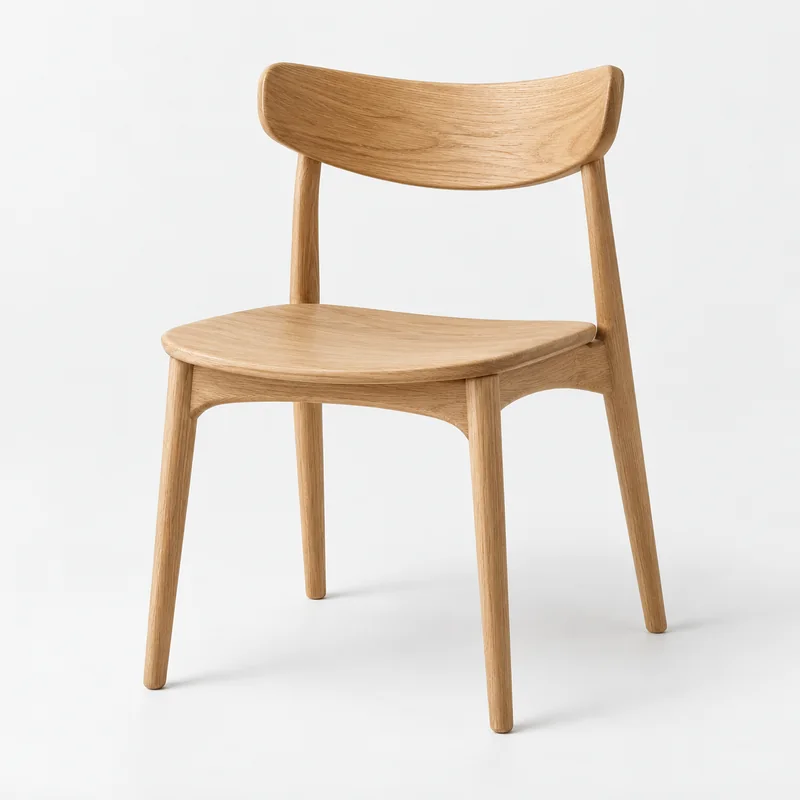
A catalogue you can explore.
Try “chair”, narrow the price range and explore the product options. Open quick view to see the selected option and its details.
The products are available to read. Interactive controls become available when JavaScript loads.
Demo Studio
Arc Dining Chair
£179.00
Demo Essentials
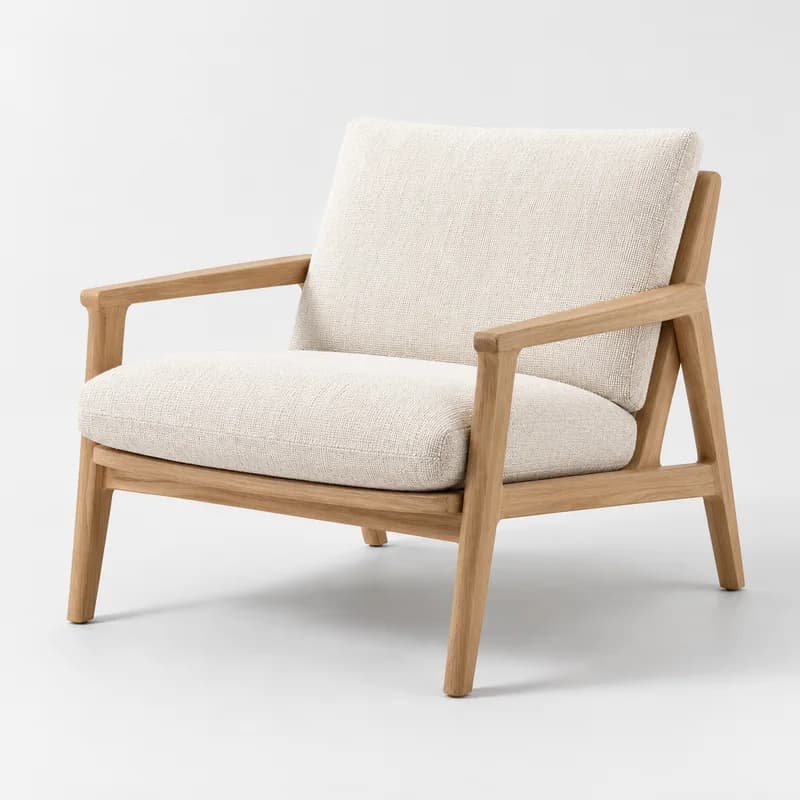
Fold Lounge Chair
£329.00
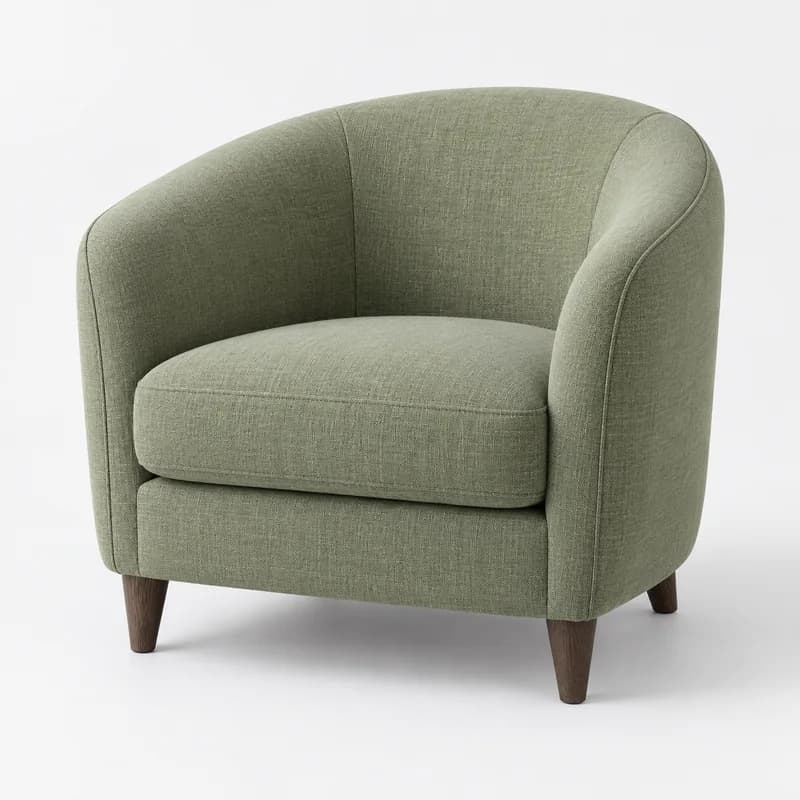
Demo Objects
Cove Accent Chair
£289.00
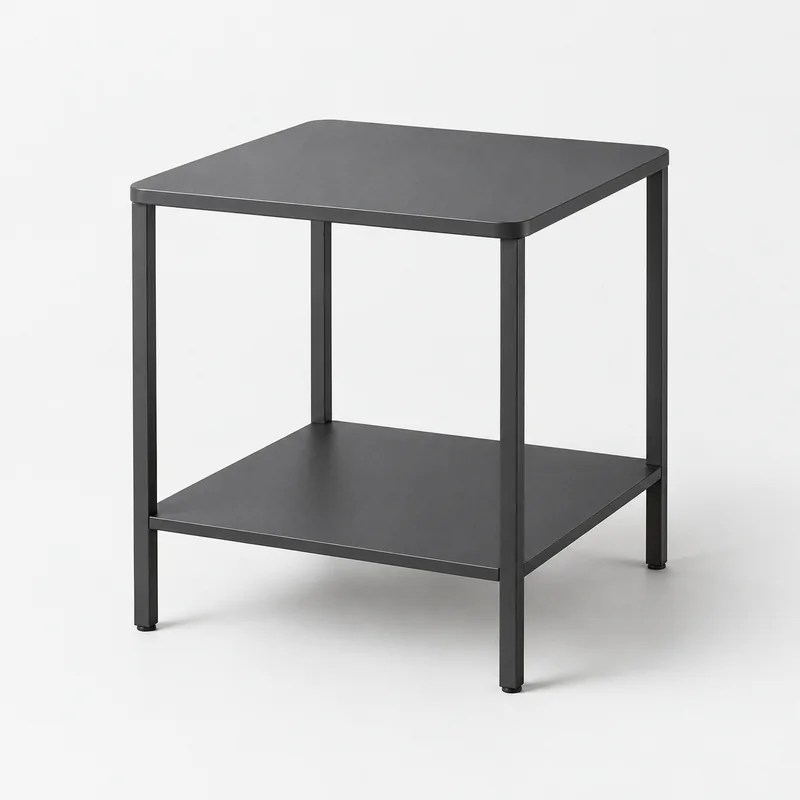
Demo Studio
Line Side Table
£69.00
Demo Essentials
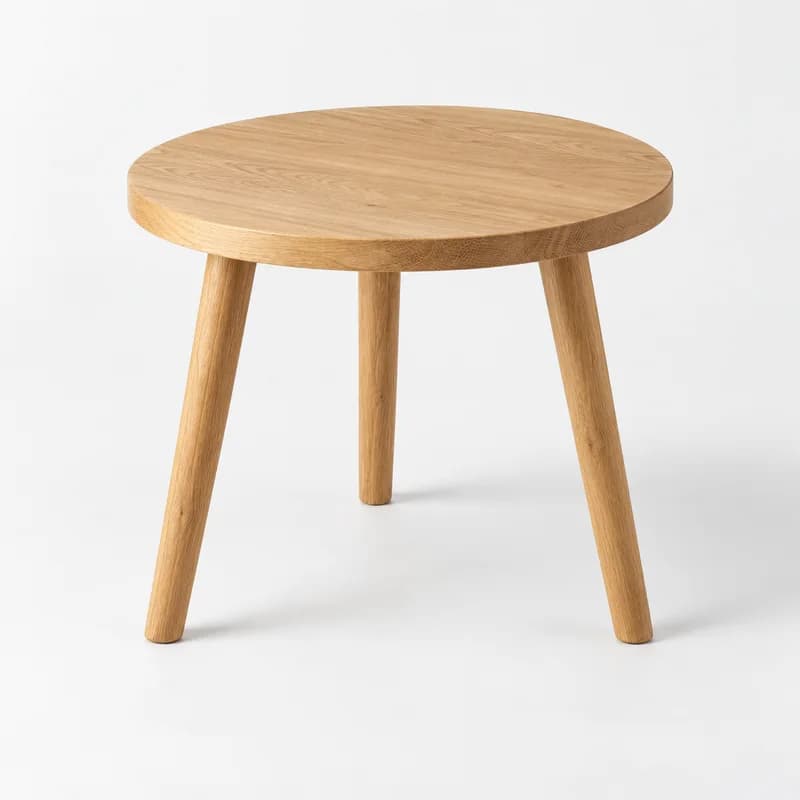
Round Nest Table
£89.00
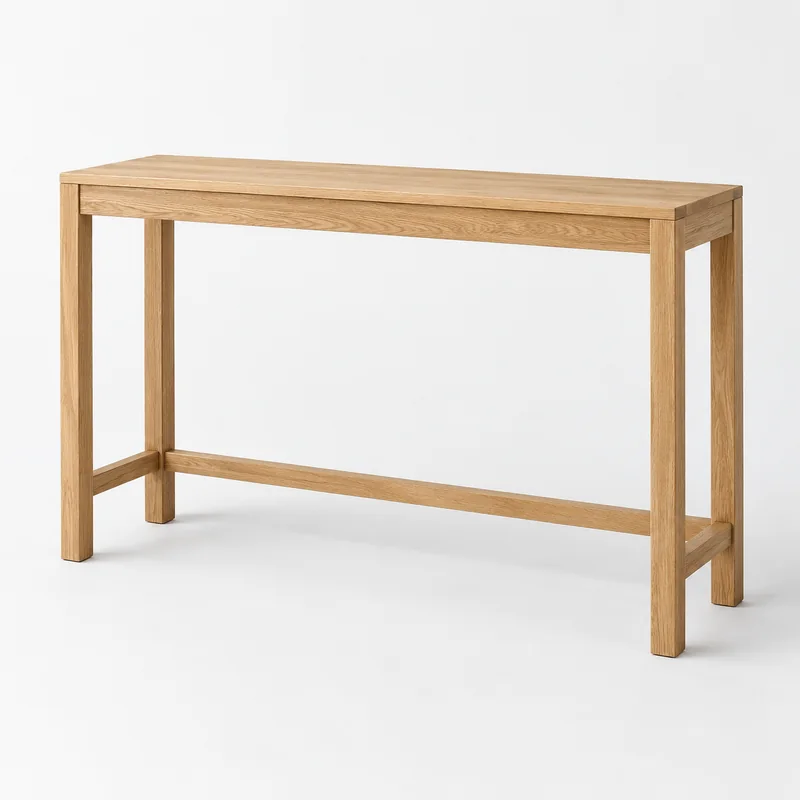
Demo Objects
Frame Console
£249.00
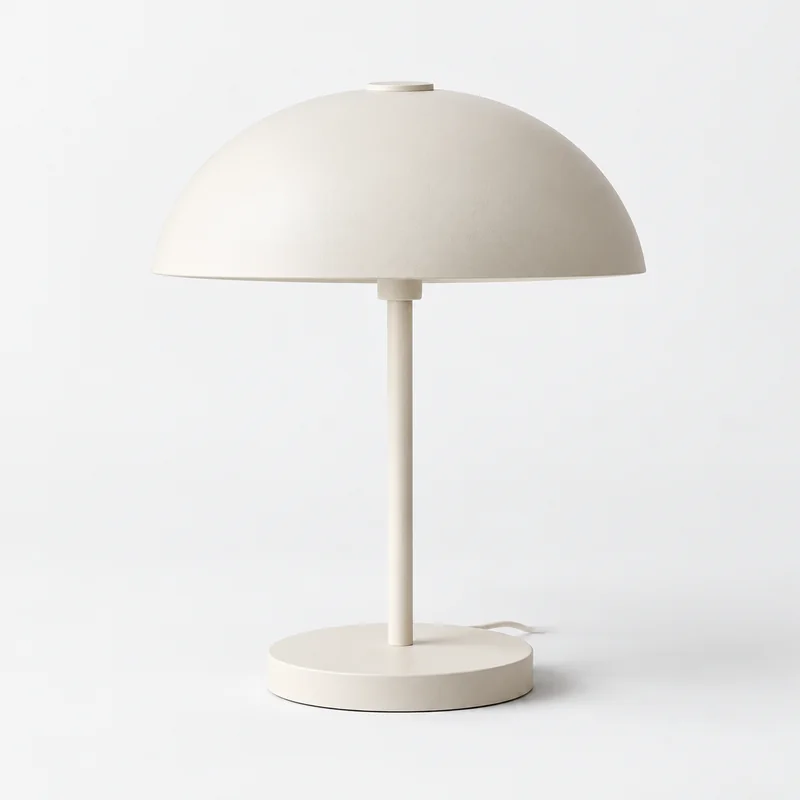
Demo Studio
Halo Table Lamp
£59.00
Demo Essentials
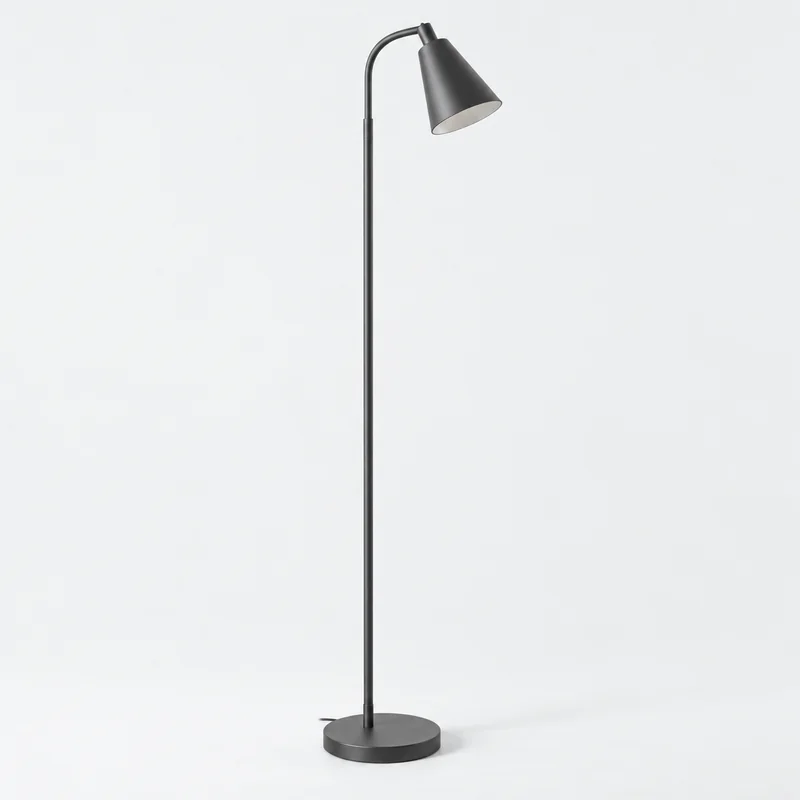
Stem Floor Lamp
£119.00
Demo Objects
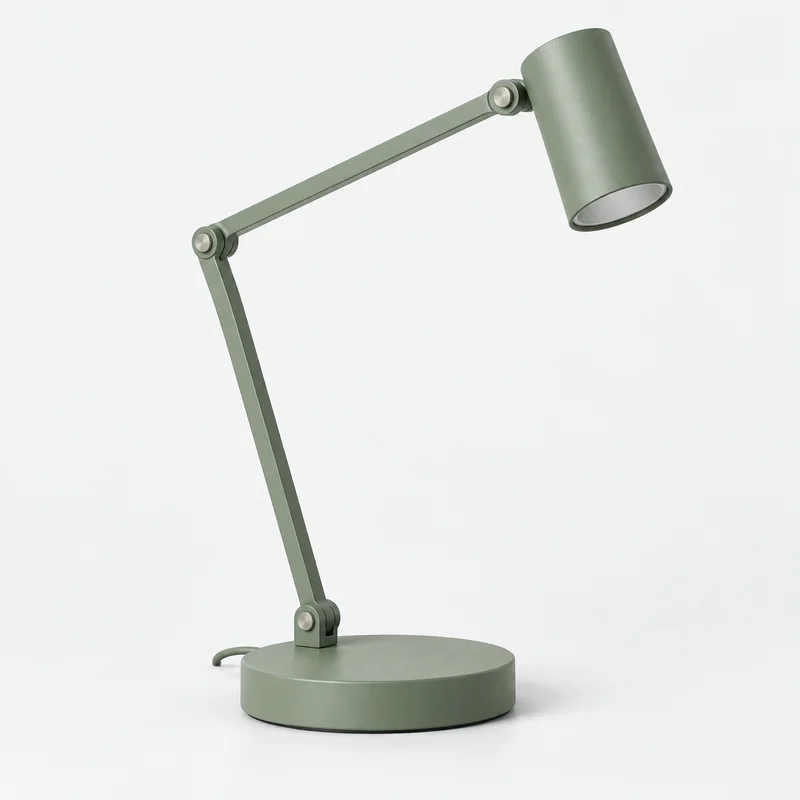
Beam Desk Lamp
£49.00
Demo Studio
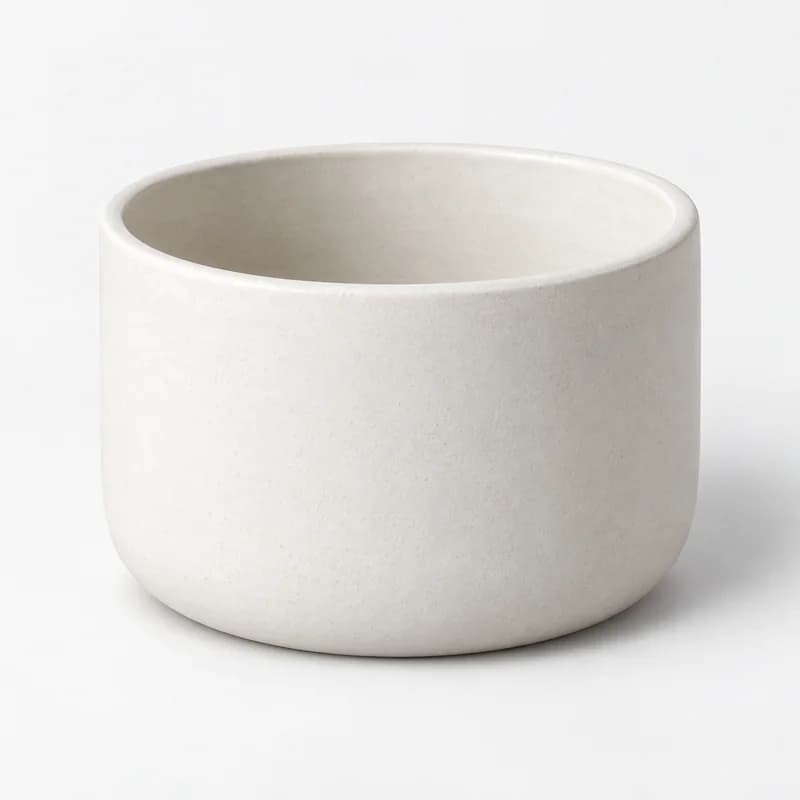
Basin Ceramic Planter
£39.00
Demo Essentials
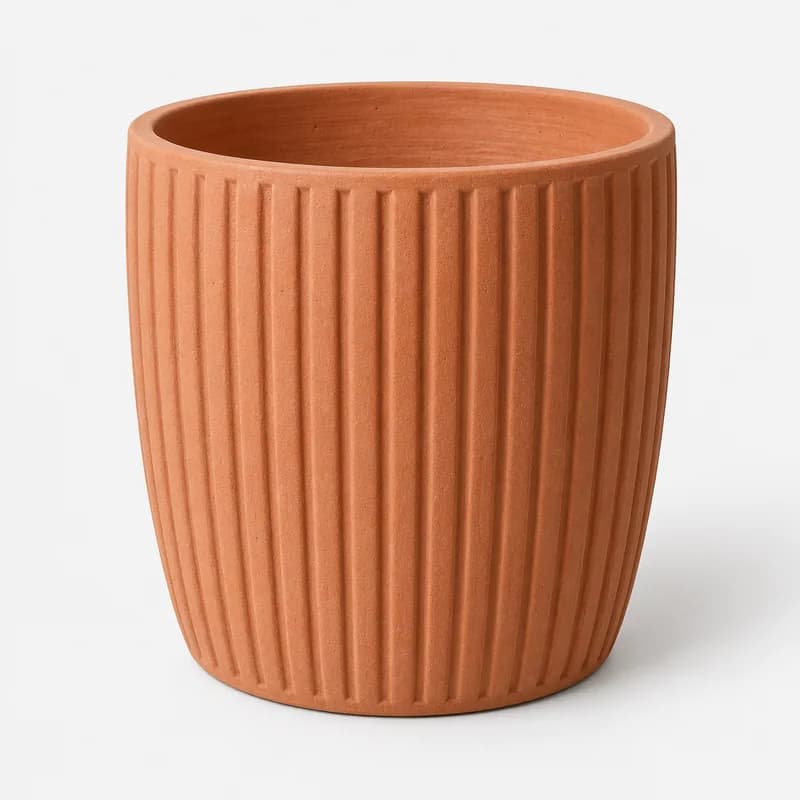
Ridge Outdoor Planter
£69.00
Demo Objects
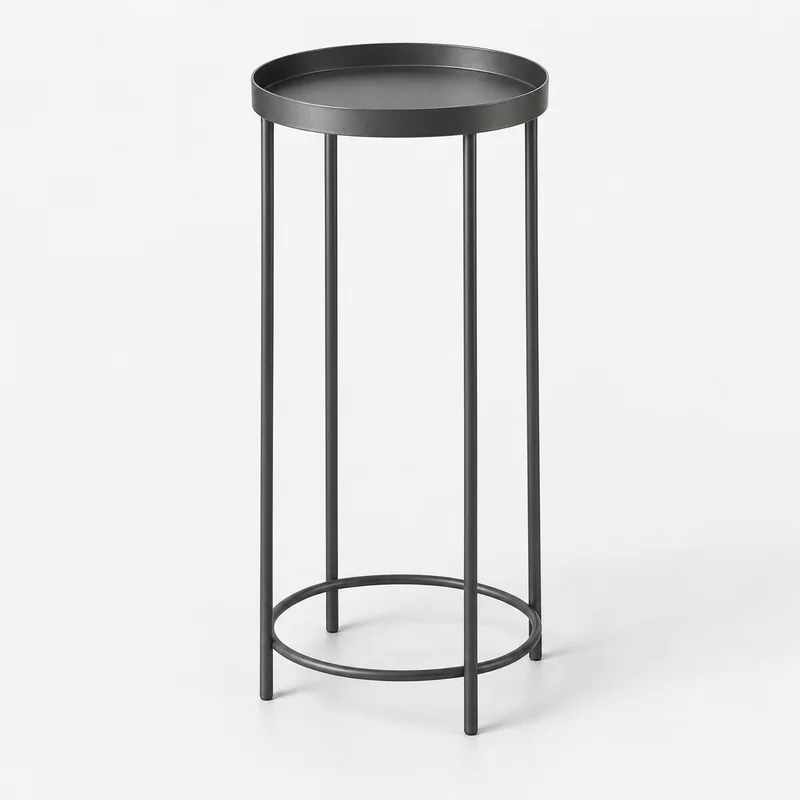
Column Plant Stand
£49.00
Illustrative products, brands, prices and photography. Choices match recorded fields in this browser; no live store connection or checkout.
Keep the material and category visible.
Furniture, lighting and garden ranges need different product details. Start with fields that are consistently recorded, then configure the filters that make sense for each collection.
Explore catalogue intelligence| Attribute | Catalogue source | Review before publishing |
|---|---|---|
| Material | Supported material option or metafield | Distinguish solid oak from finishes and mixed materials. |
| Category | Product type or collection | Choose categories that describe the products in the result set. |
| Price | Recorded product price | Use one store currency and check price boundaries. |
| Room or dimensions | Supported recorded fields, if configured | Check coverage and units before offering additional choices. |
Recorded dimensions need context.
Width, depth and height are useful only when their units and meanings are consistent. Verify the source and supported mapping before exposing them. Product measurements and room suitability still need to be checked by the shopper.
Check the complete journey.
Confirm catalogue sync, review labels and values, then test on your Shopify theme. Include combinations with no results and a clear route back. Review mobile controls and the products behind every match.
Evaluate FilterIQ with your catalogue.
Review preview availability, feature guidance and billing terms before planning setup. Contact the team about your catalogue and requirements.